How to use an Estimate from previous event?
Aug 7, 2026Updated1 min read00
If you regularly hold events at the same venue with the same seating chart, we recommend using Estimate. It allows you to save a seating assignment template and use it for future events.
If you already have a ready Estimate, let us now show you how to apply it to a new event:
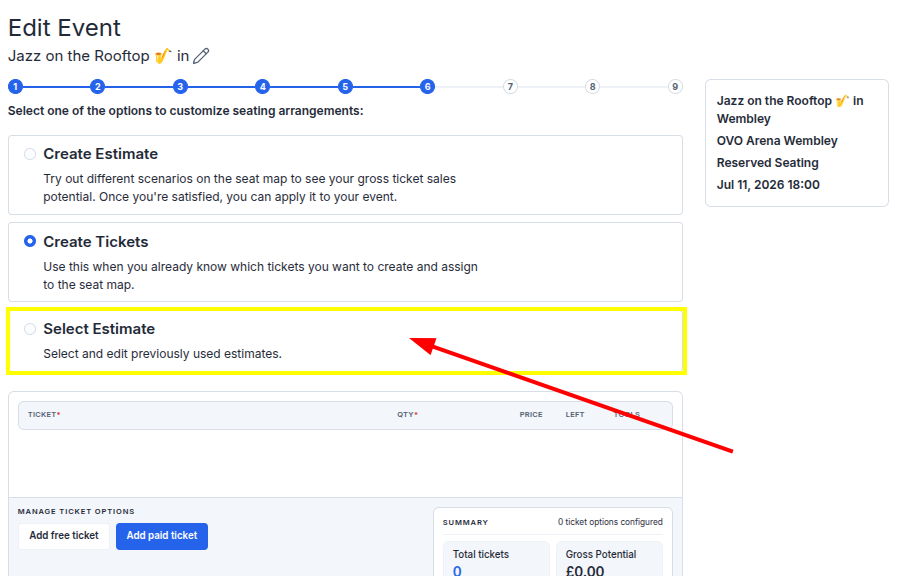
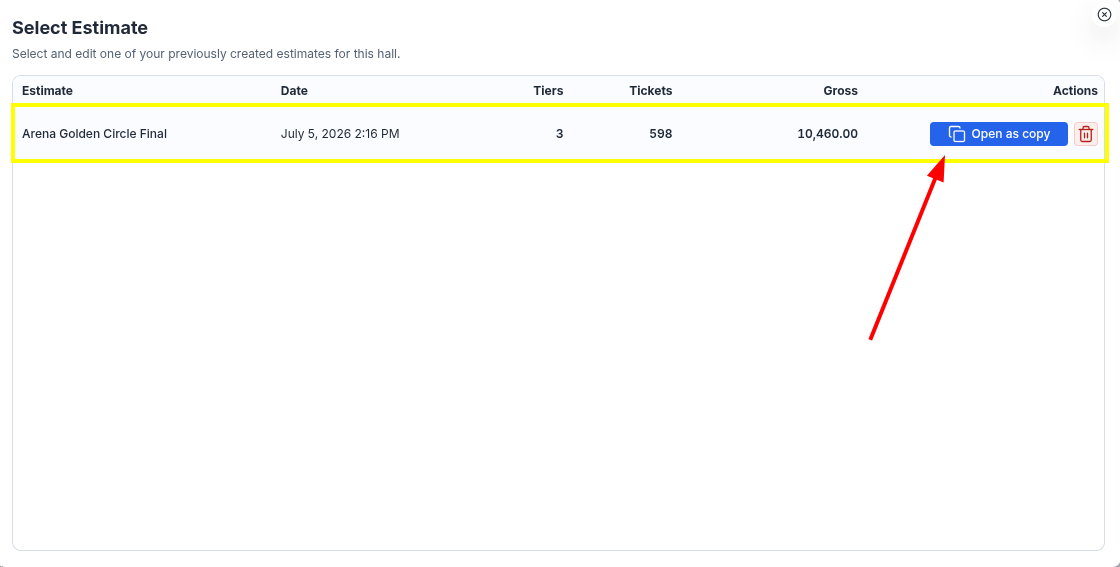
- Click on the desired template from the list of saved ones.
If you plan to make changes before using the template, we recommend clicking Open as copy". In this case, a copy will be created, and the original Estimate will remain unchanged.
Step 2: Working with the map:
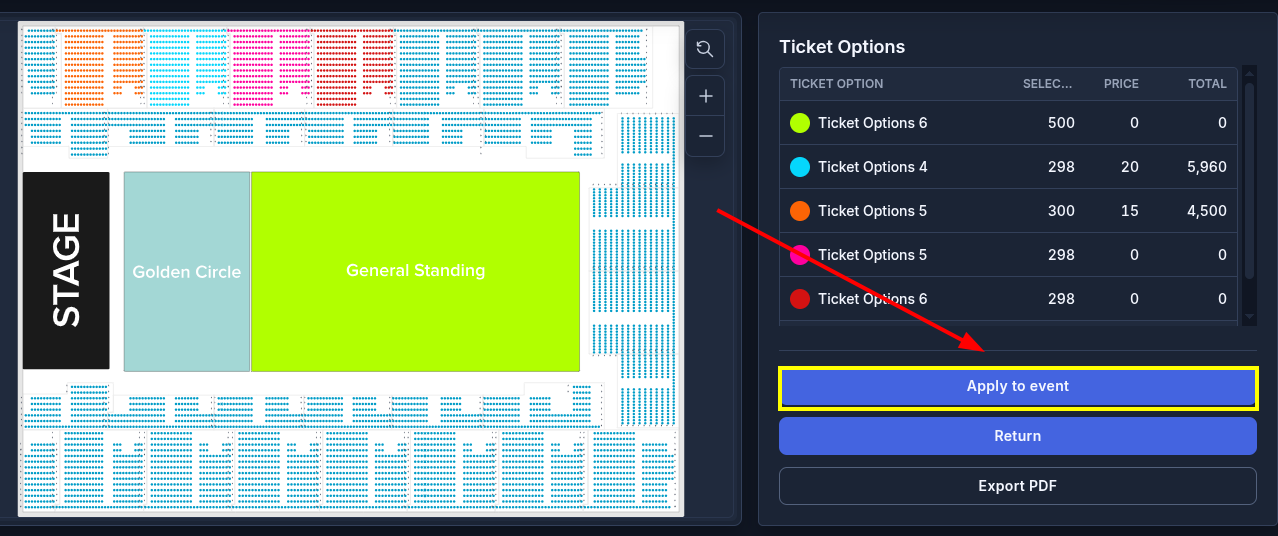
• The seating map will open.
- Click Apply to event;
- Then click Back, to return to event creation.
Step 3: Continue event creation:
• You will be back on step 6 of event creation.
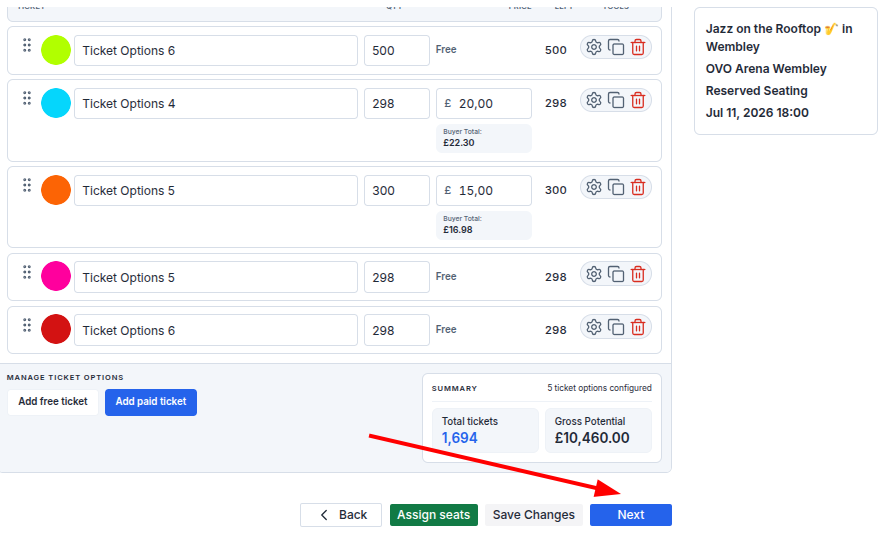
• Make sure all ticket options and the number of seats are specified correctly;
- Click Next, to proceed to the next step.
A copy of the Estimate will be automatically saved in the Select Estimate section, and you will be able to use it when creating future events.