Back to Event Creation & Management
Creating a Promoter
- Log in to your Event Cartel account;
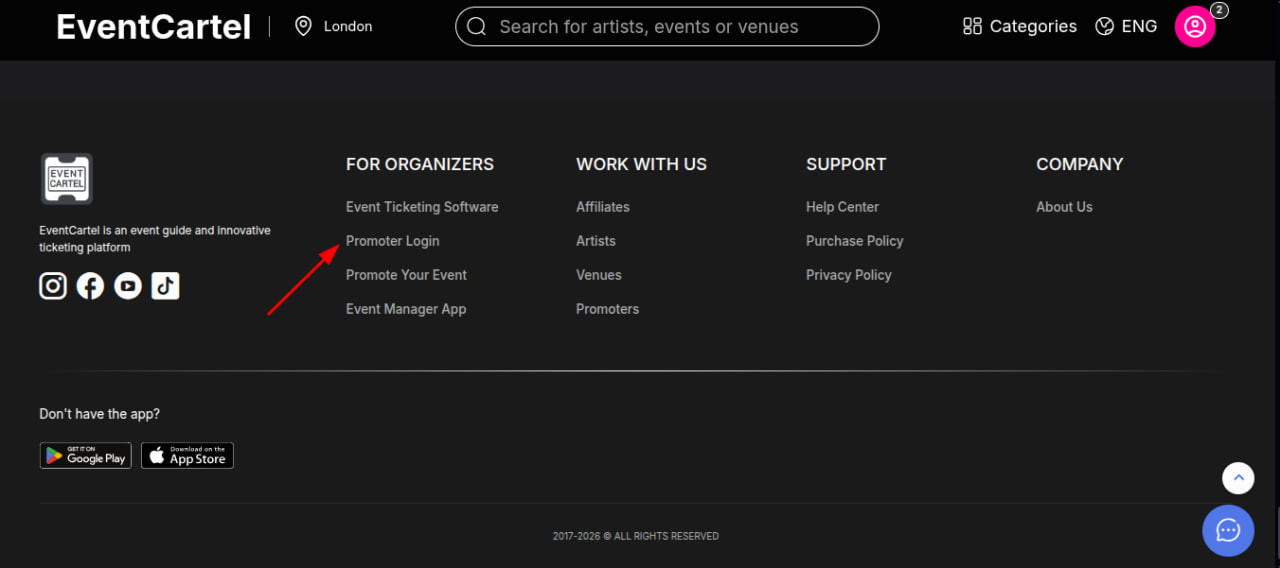
- Go to the Event Cartel and scroll all the way to the bottom;
- Click Promoter Login.
- Go to the Event Cartel and scroll all the way to the bottom;
- Click Promoter Login.
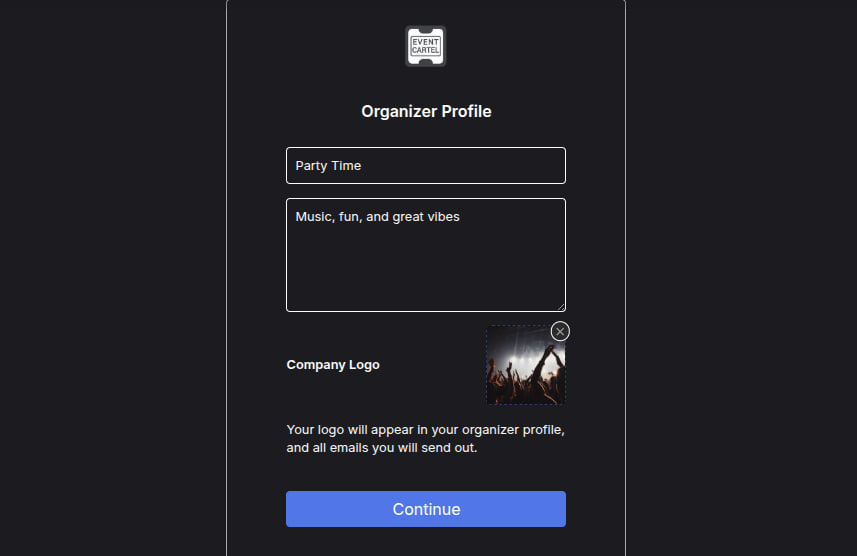
- Enter the company name, description, and upload the company logo, then click Continue.
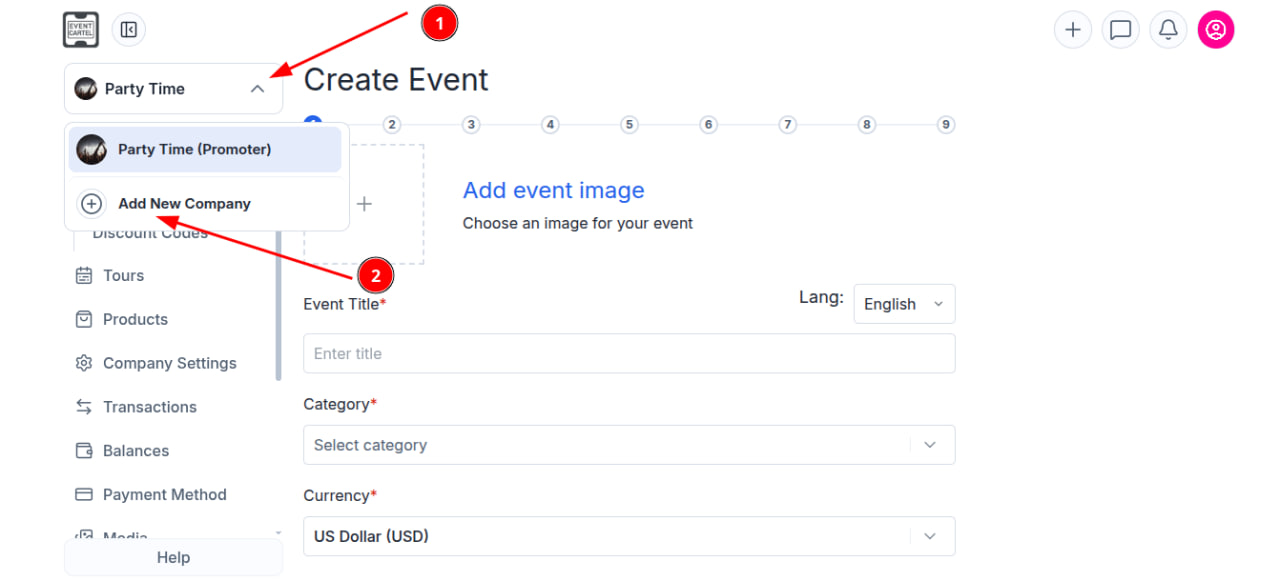
- Click the arrow next to the current company and select Add New Company.