Back to Organizer Profile
How to check delivery results for sent out email campaign?
Check Delivery Results
- Log in to your EvenCatrel account
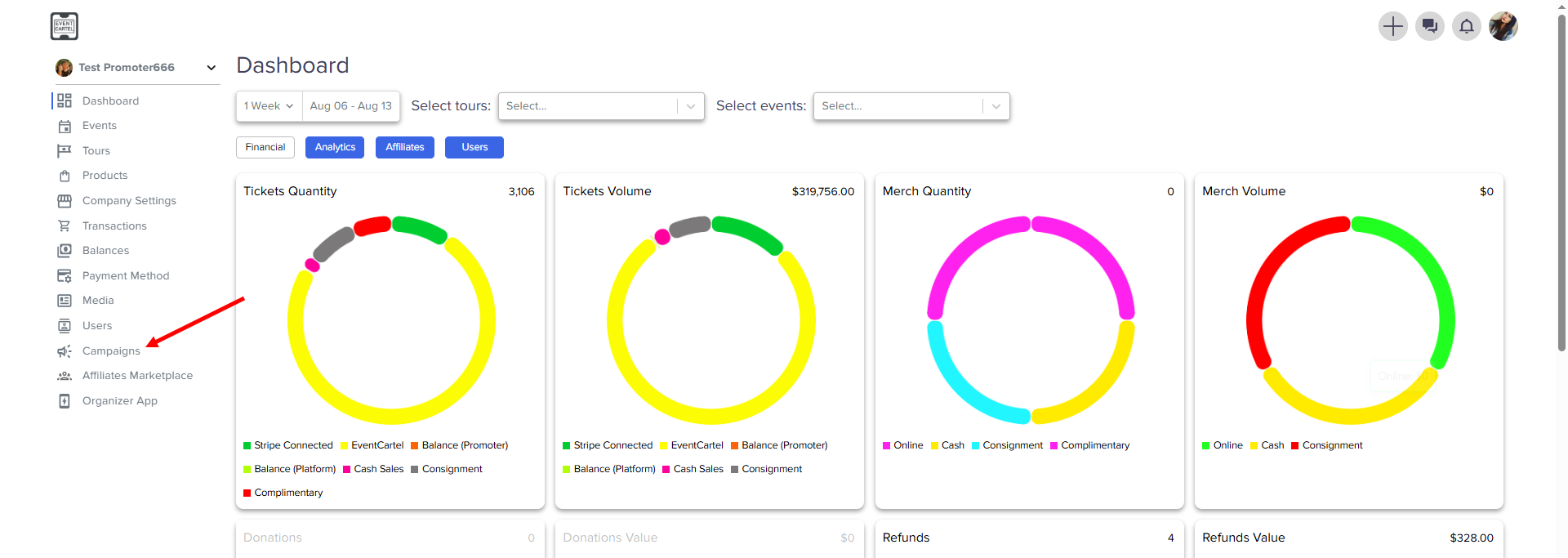
- Go to the Campaigns
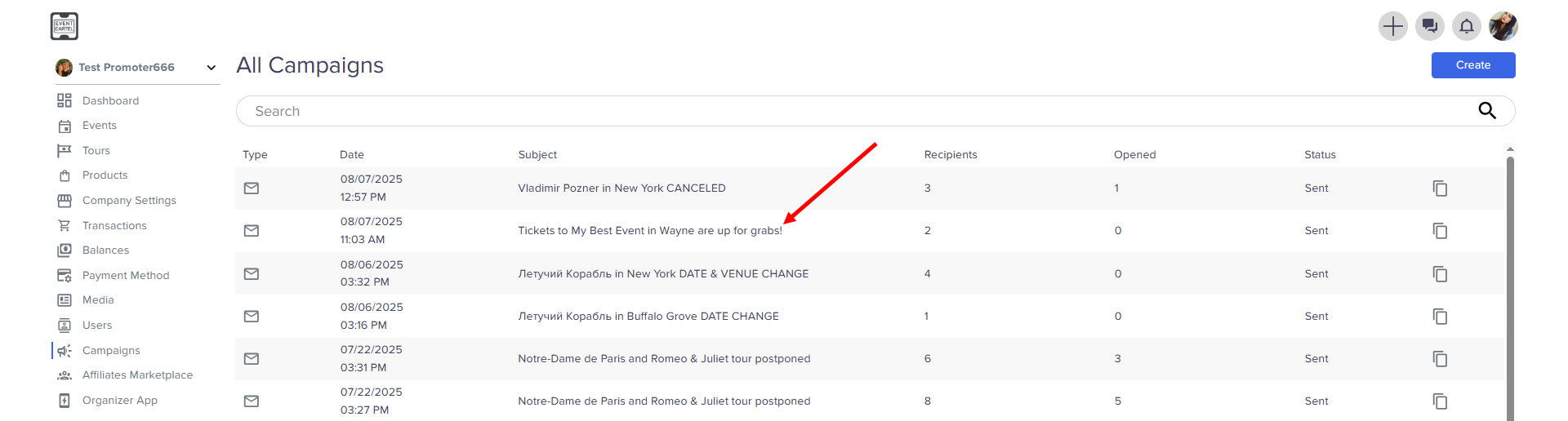
- Choose the notification
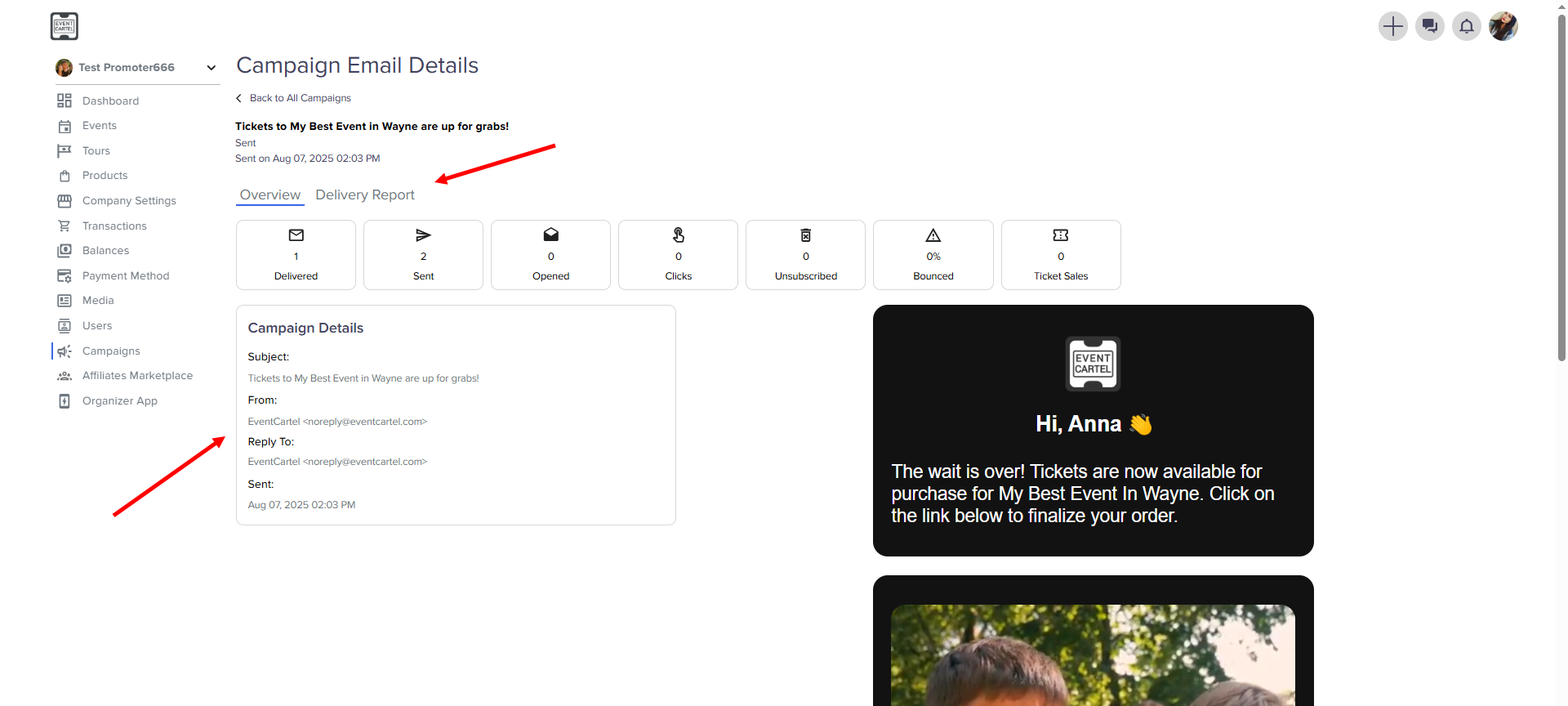
- You can find the details here → click Delivery Report
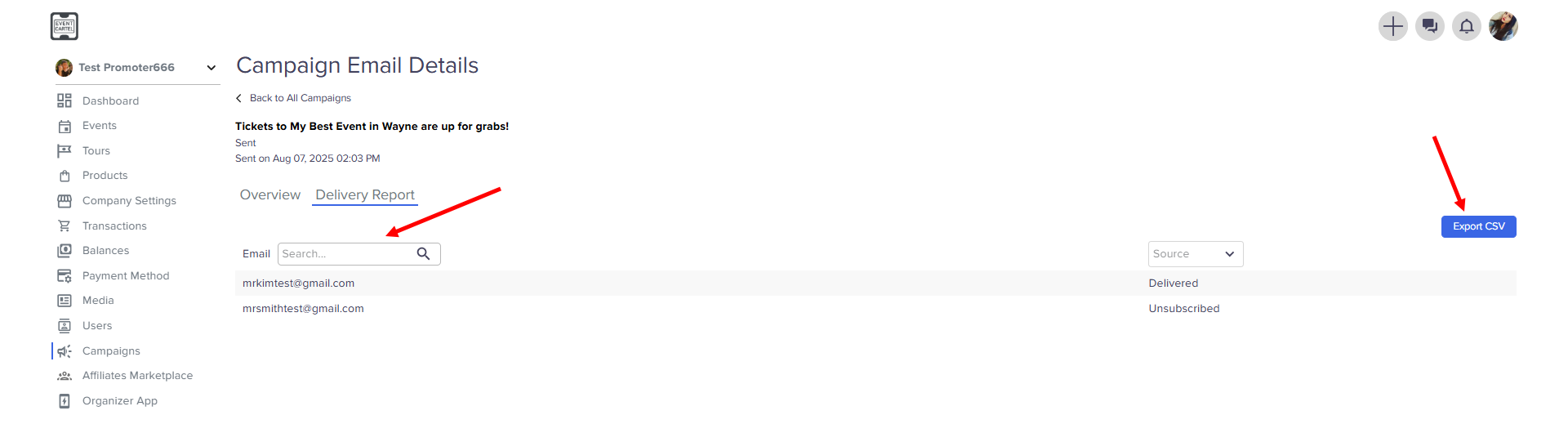
- Here you can find a customer by email, see the result of receipt and download this information