Back to Organizer Profile
How to Create a Tour?
Is your event scheduled in different cities?
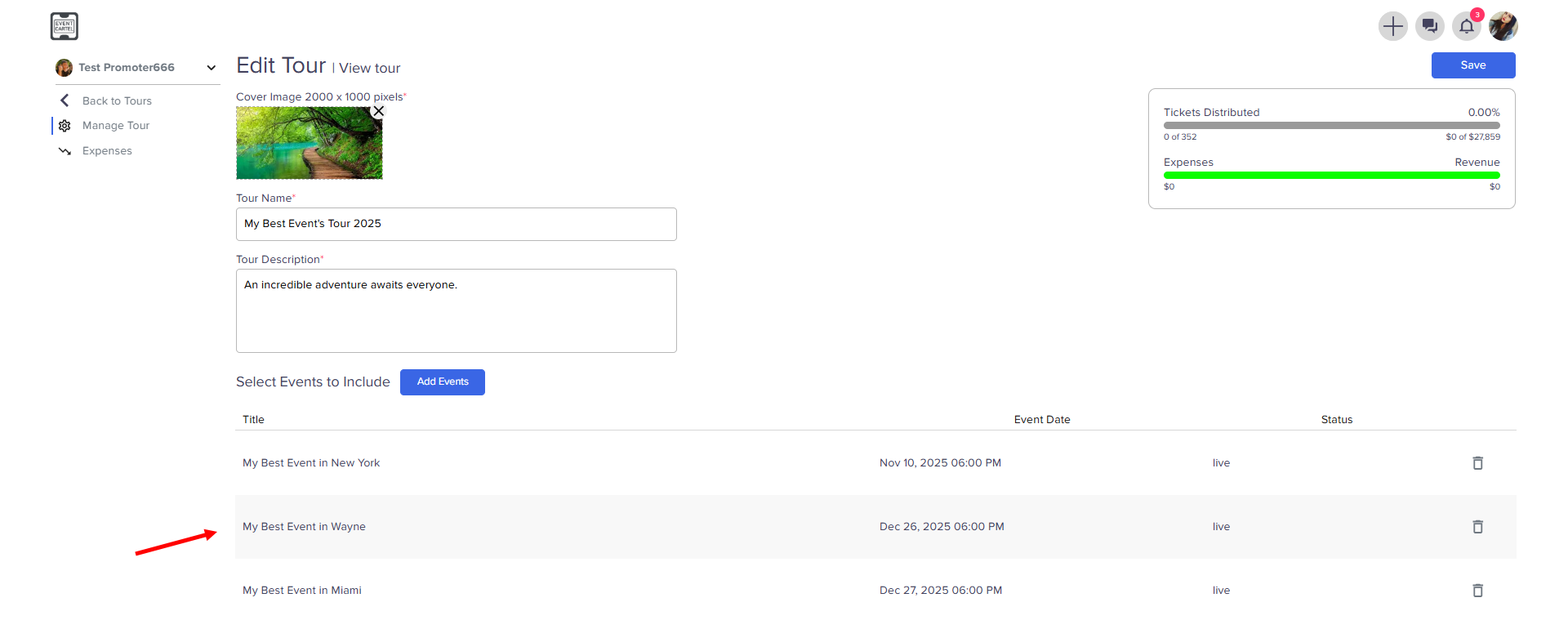
You can add all your events to the Tour
You can add all your events to the Tour
Create all the planned events and put them on sale or waitlist.
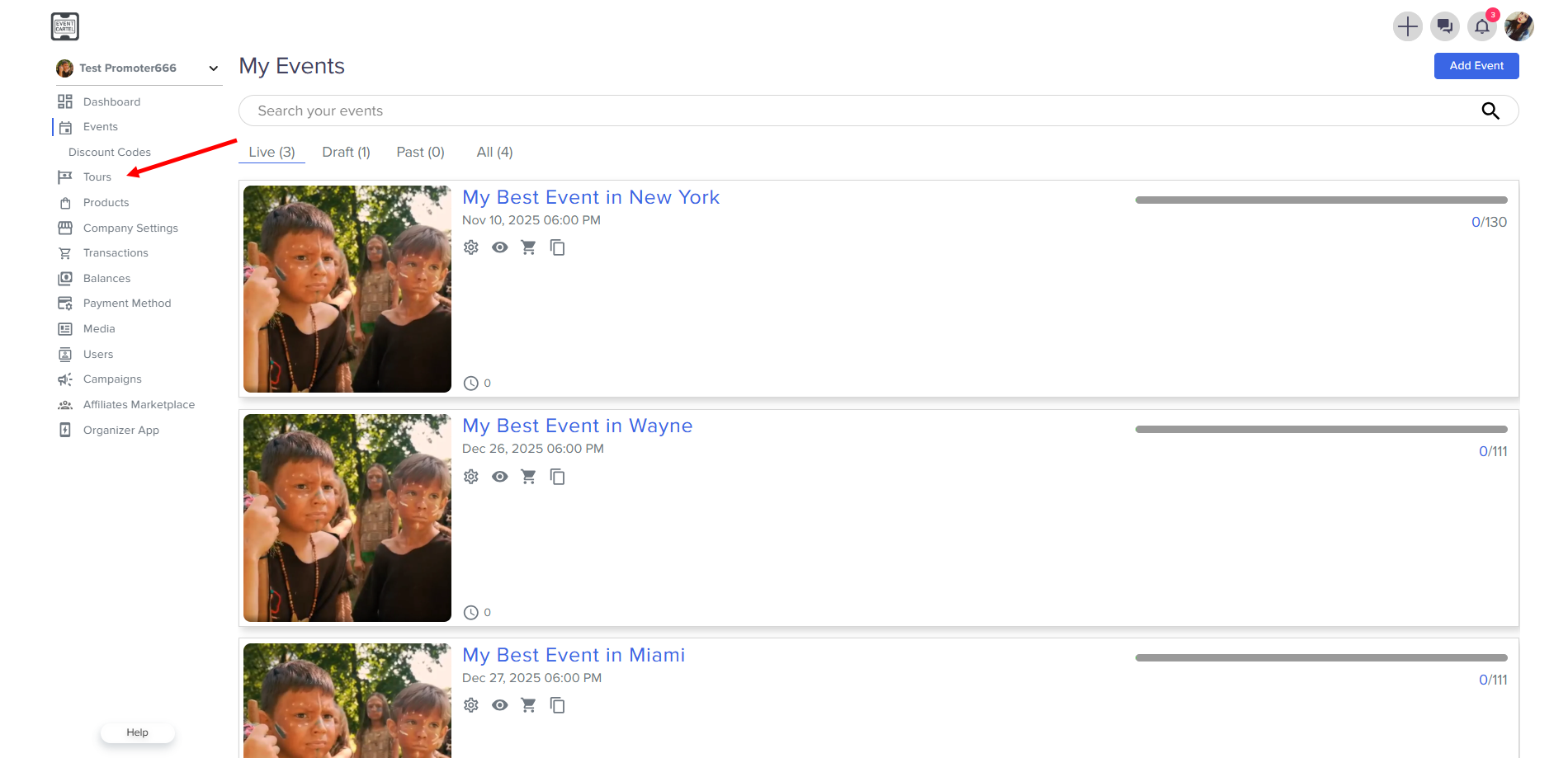
- Go to the Tours
- Go to the Tours
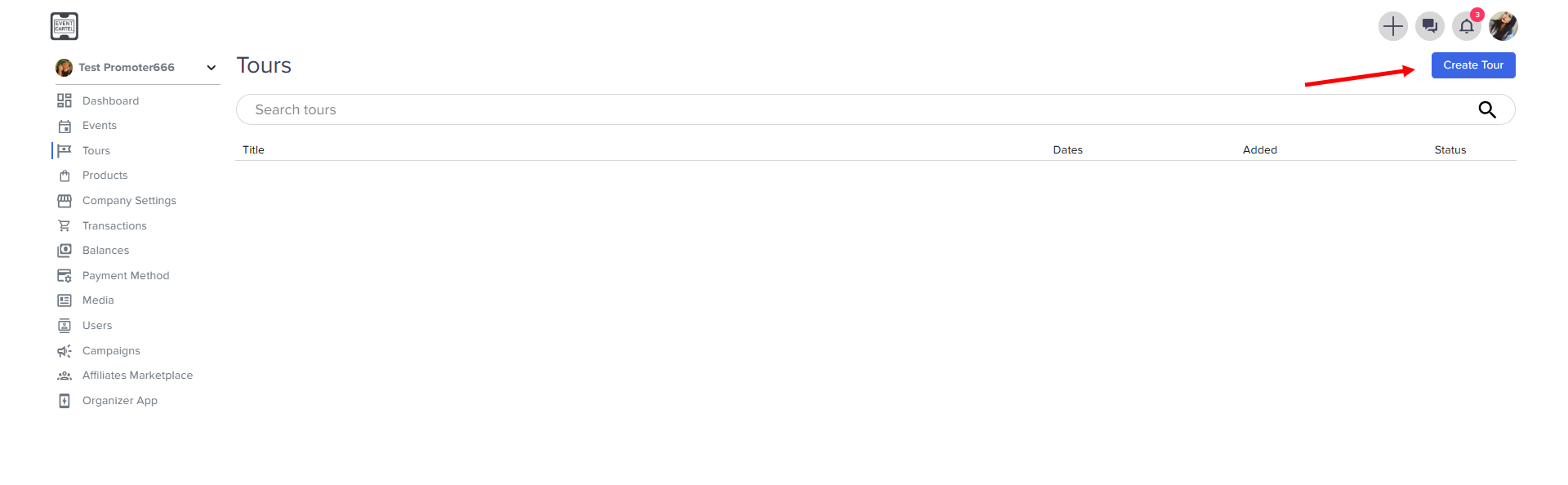
- Click to Create Tour
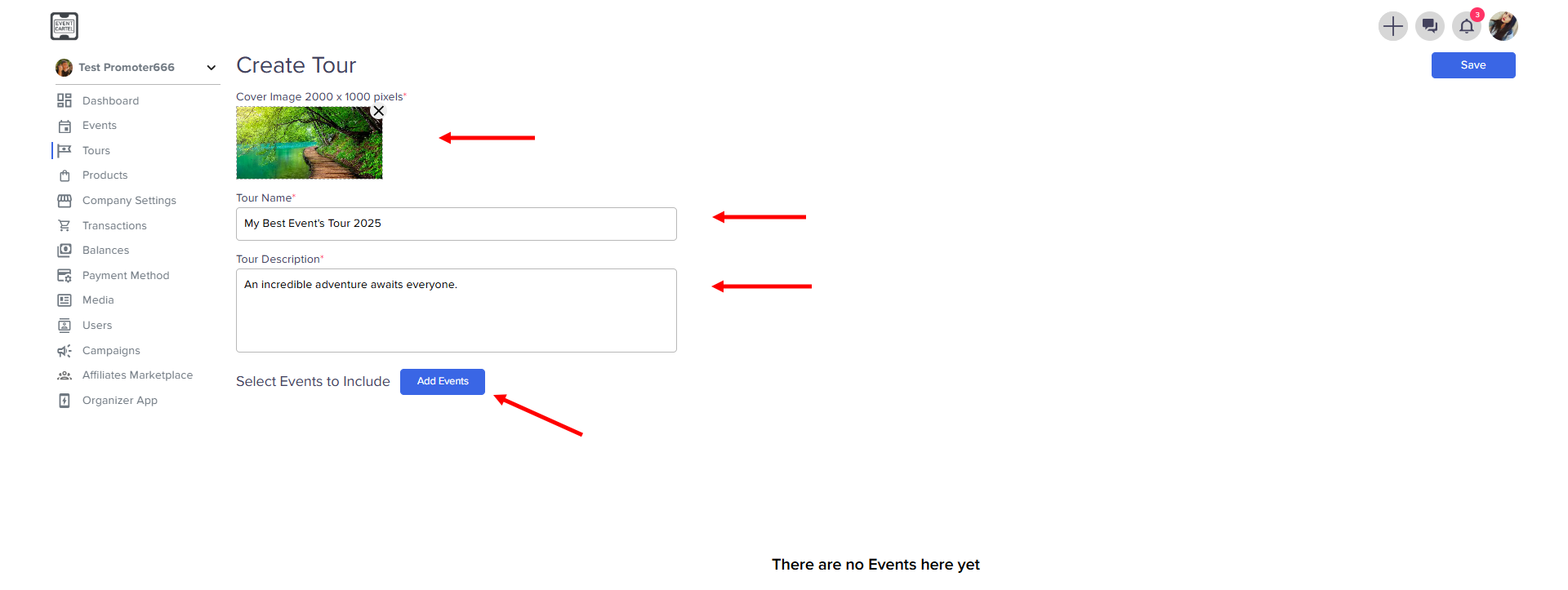
Add Event Details
- Upload a cover image
- Enter the Tour Name
- Enter Tour Description → click Add Events
Find and Select Events
- Use the name search
- Select Events → click Save
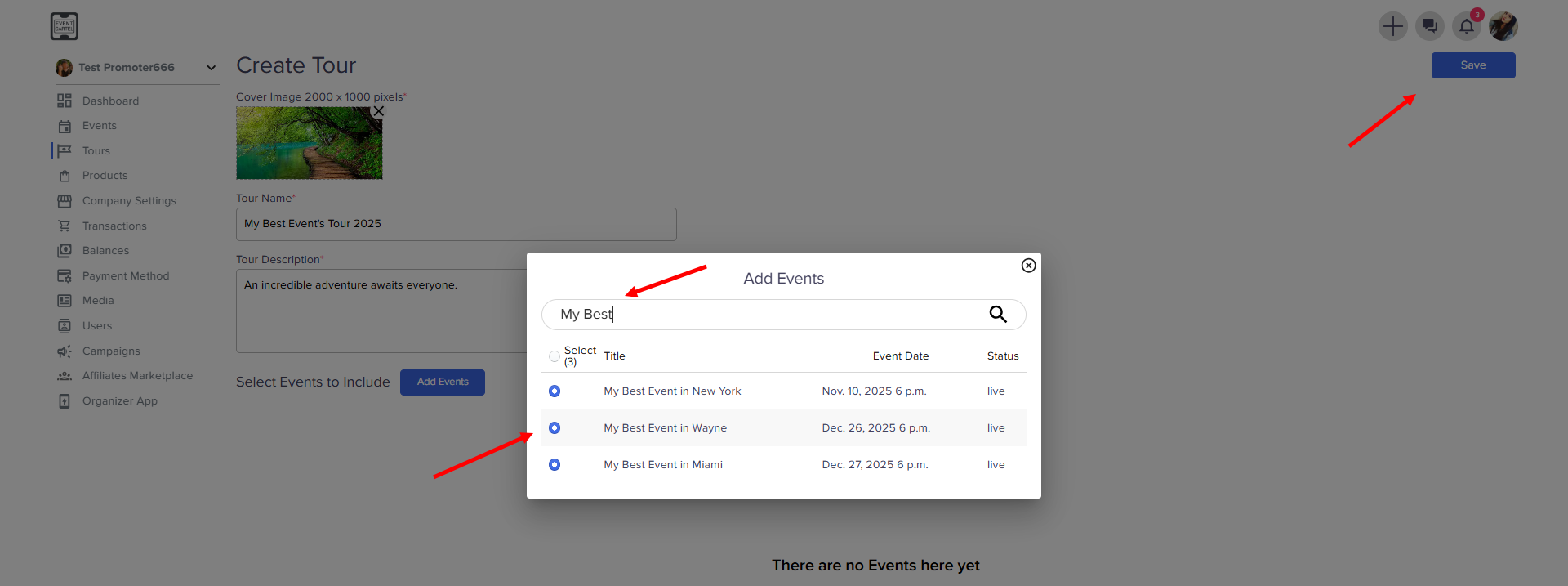
Now the selected events have been added to the Tour and will be displayed on the platform together.