Back to Organizer Profile
How to set up a promo code?
Create a Promo Code
Step 1
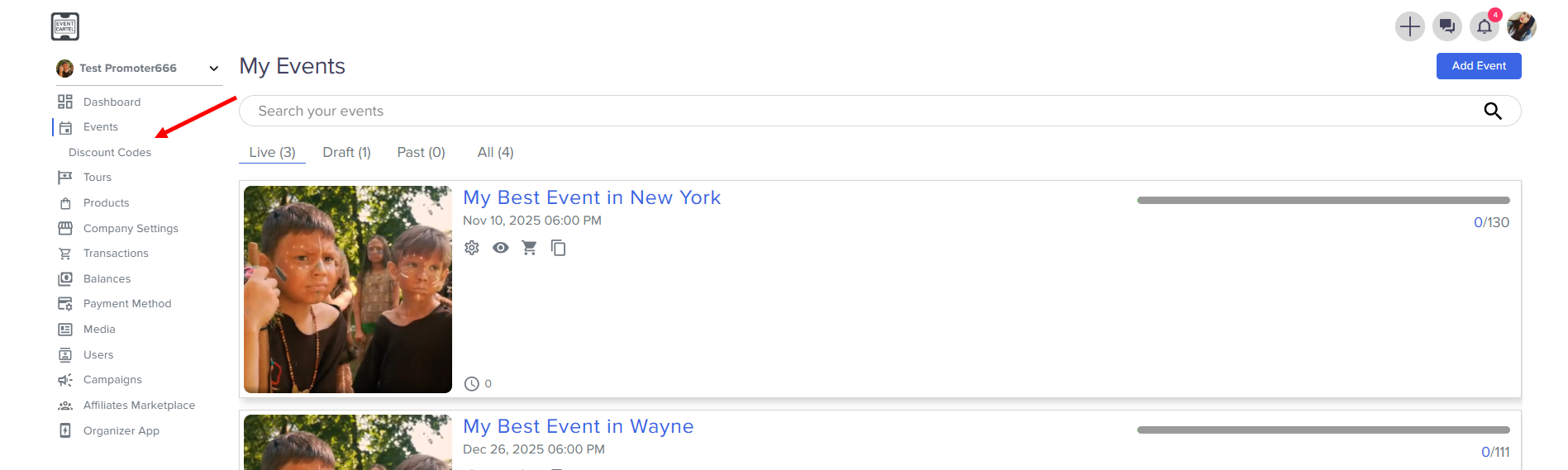
- Go to Events → Discount Codes
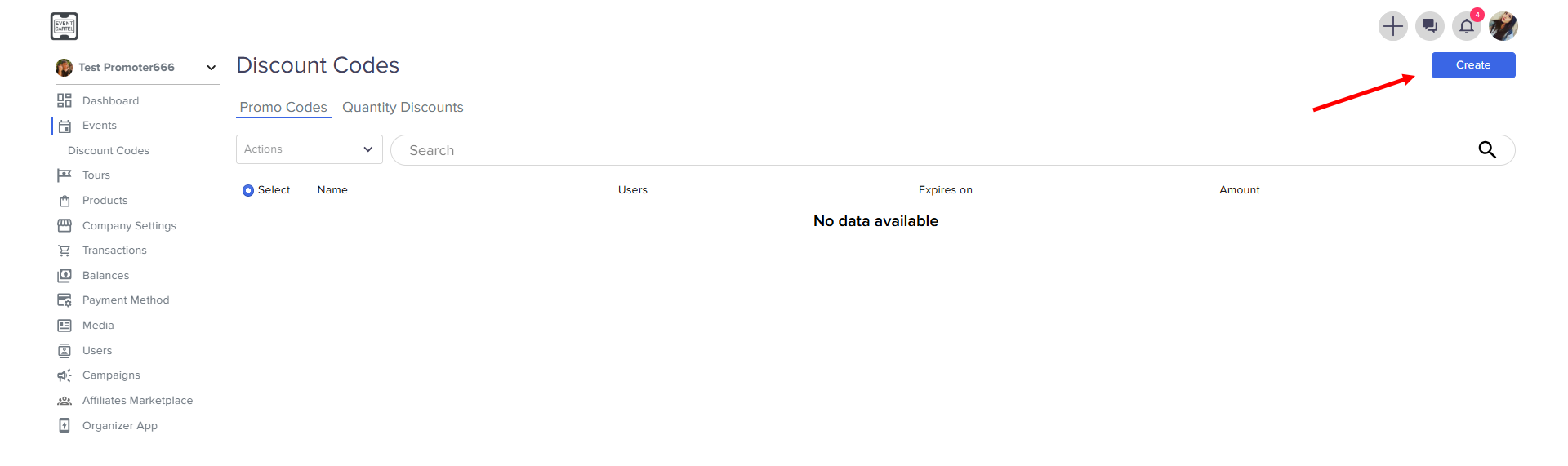
- click Create
- Enter Promo Code Name → Select the Settings →
click Next
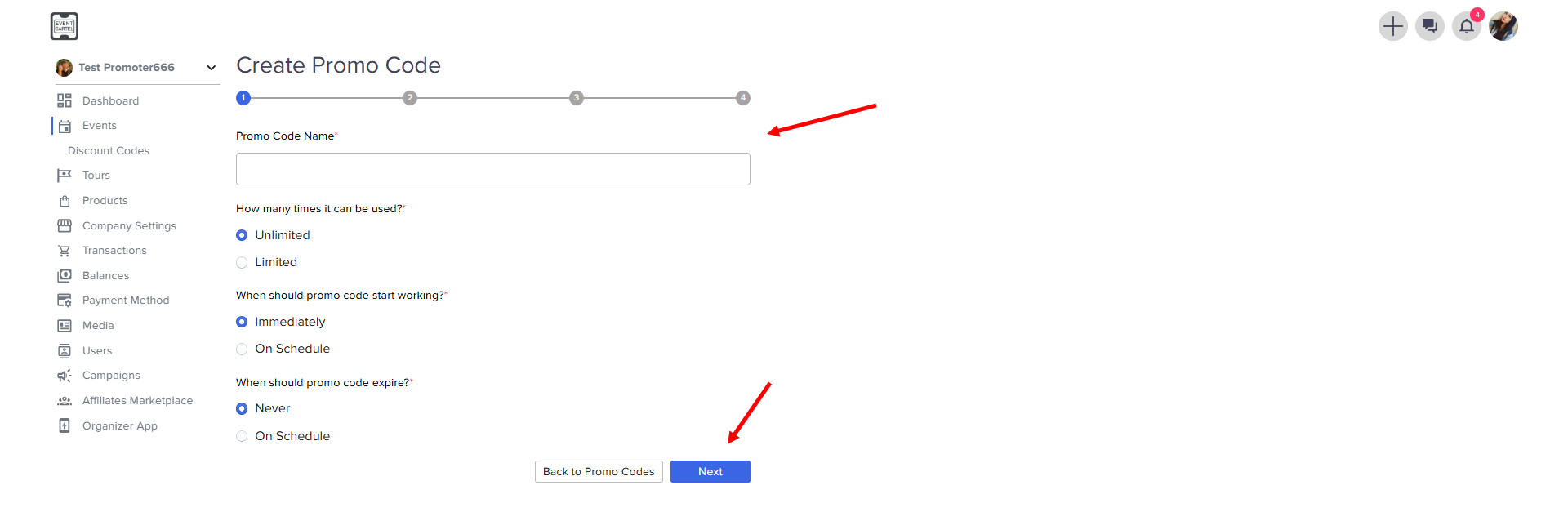
- Unlimited/Limited - you can use it indefinitely or set a limit
- Immediately/On Sschedule - select the start of the promo code
- Never/On Schedule - set the expiration date for the promo code
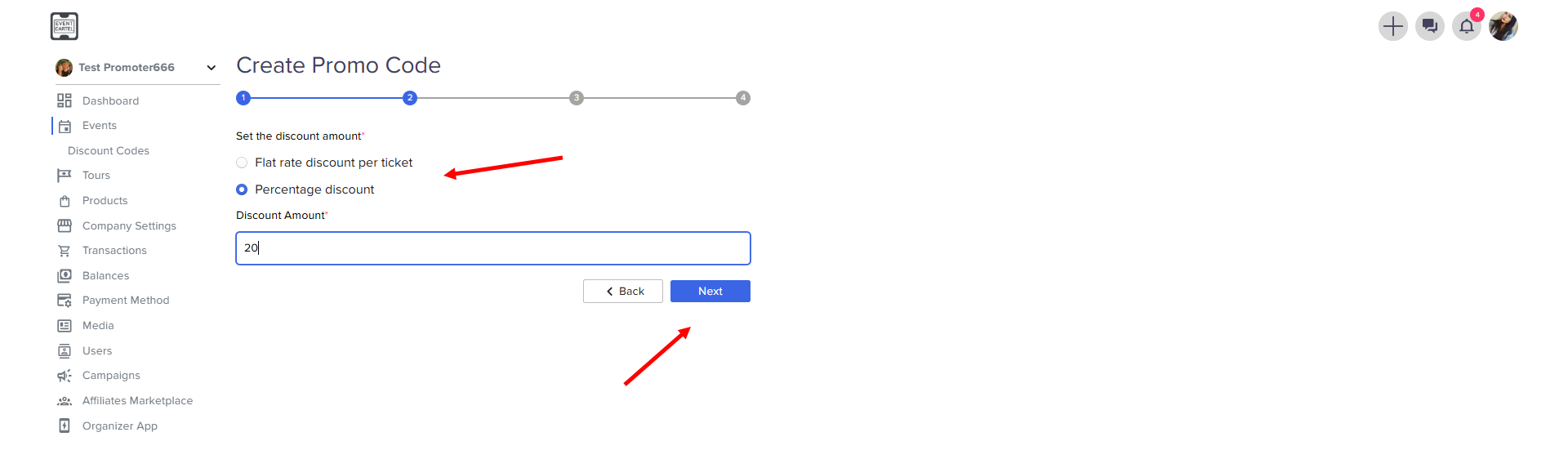
Step 2
- choose a fixed or percentage rate for each ticket → click Next
Step 3
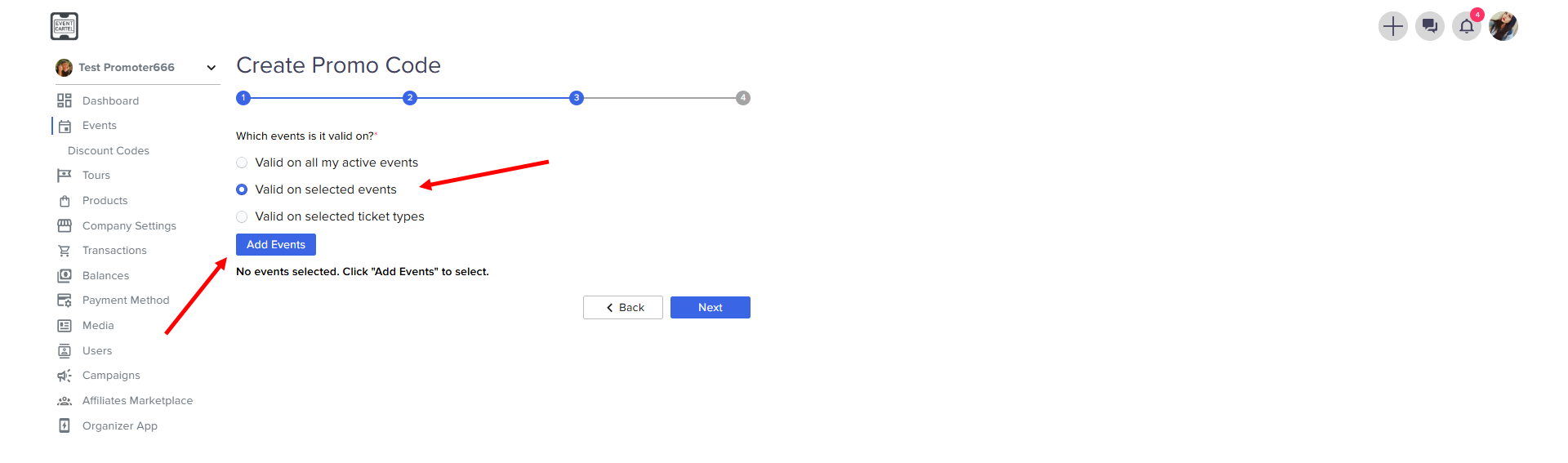
- select the promo code action options
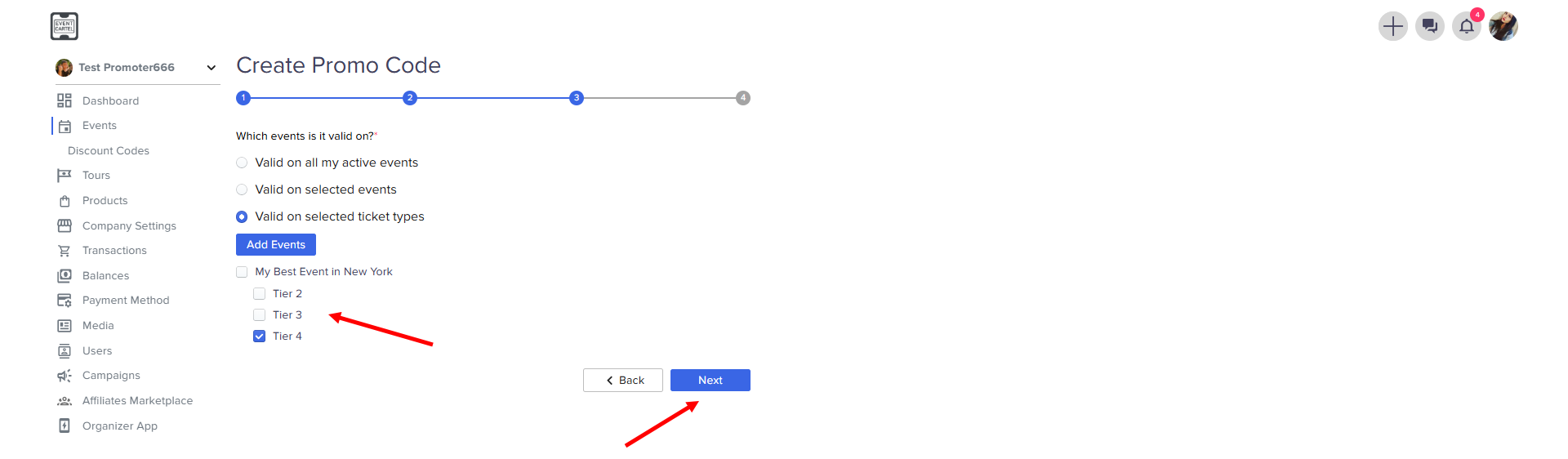
for all events, for certain events, for certain ticket options
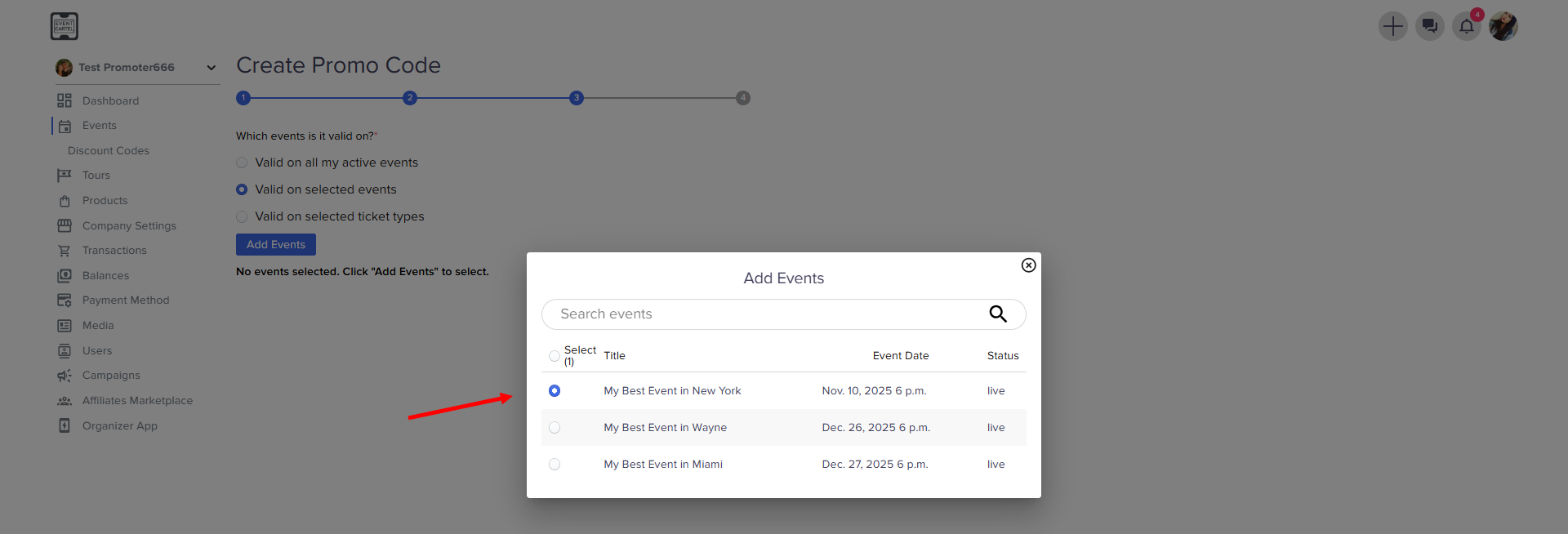
- if you have selected a specific event → click Add Events
- choose an event for your promo code
- if you have selected a specific ticket types, select the option → click Next
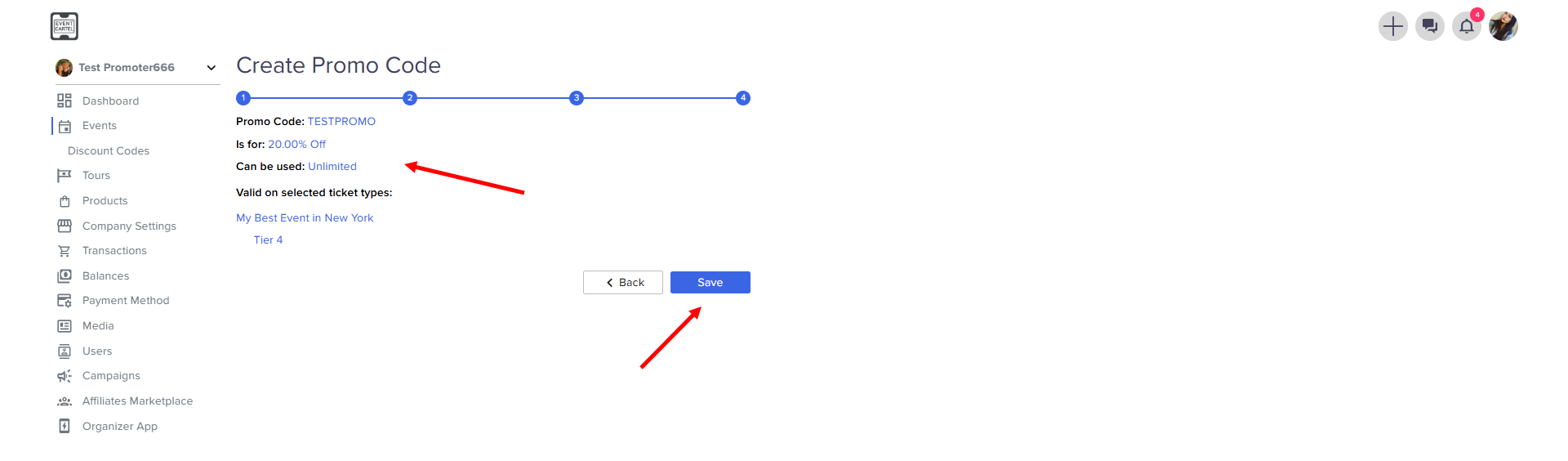
Step 4
- check all the promo code settings → click Save
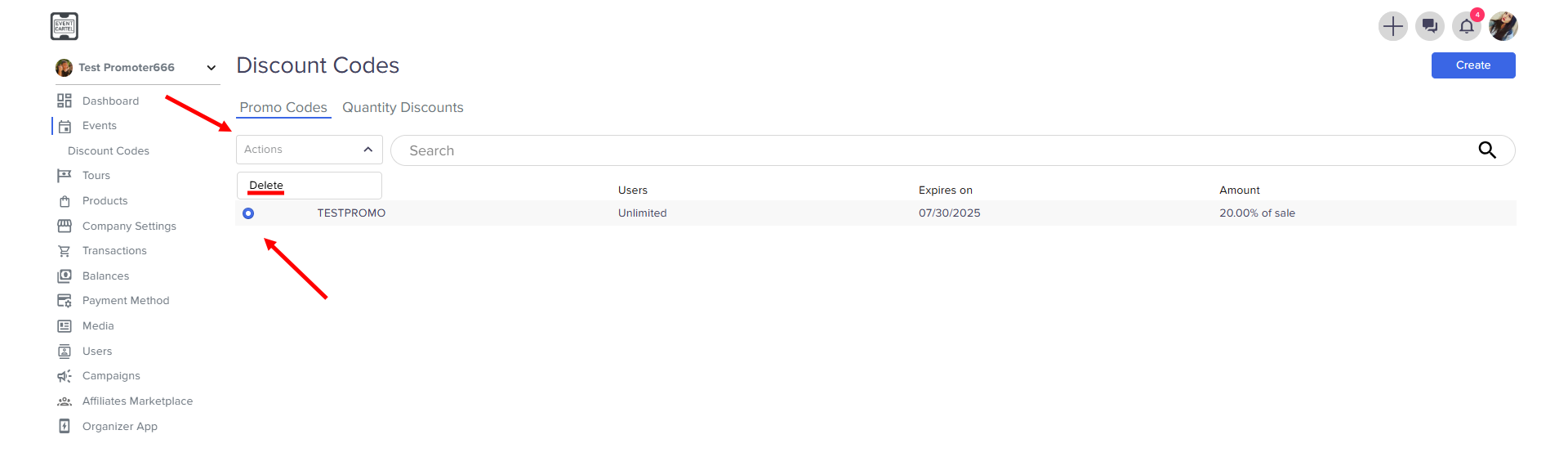
Tip: to delete a promo code, select it → click Action → Delete