How to buy gift cards?
Sep 1, 2026Updated00
- Log in to your EvenCatrel account;
- Hover over your account icon;
- Click to the "Gift Cards".

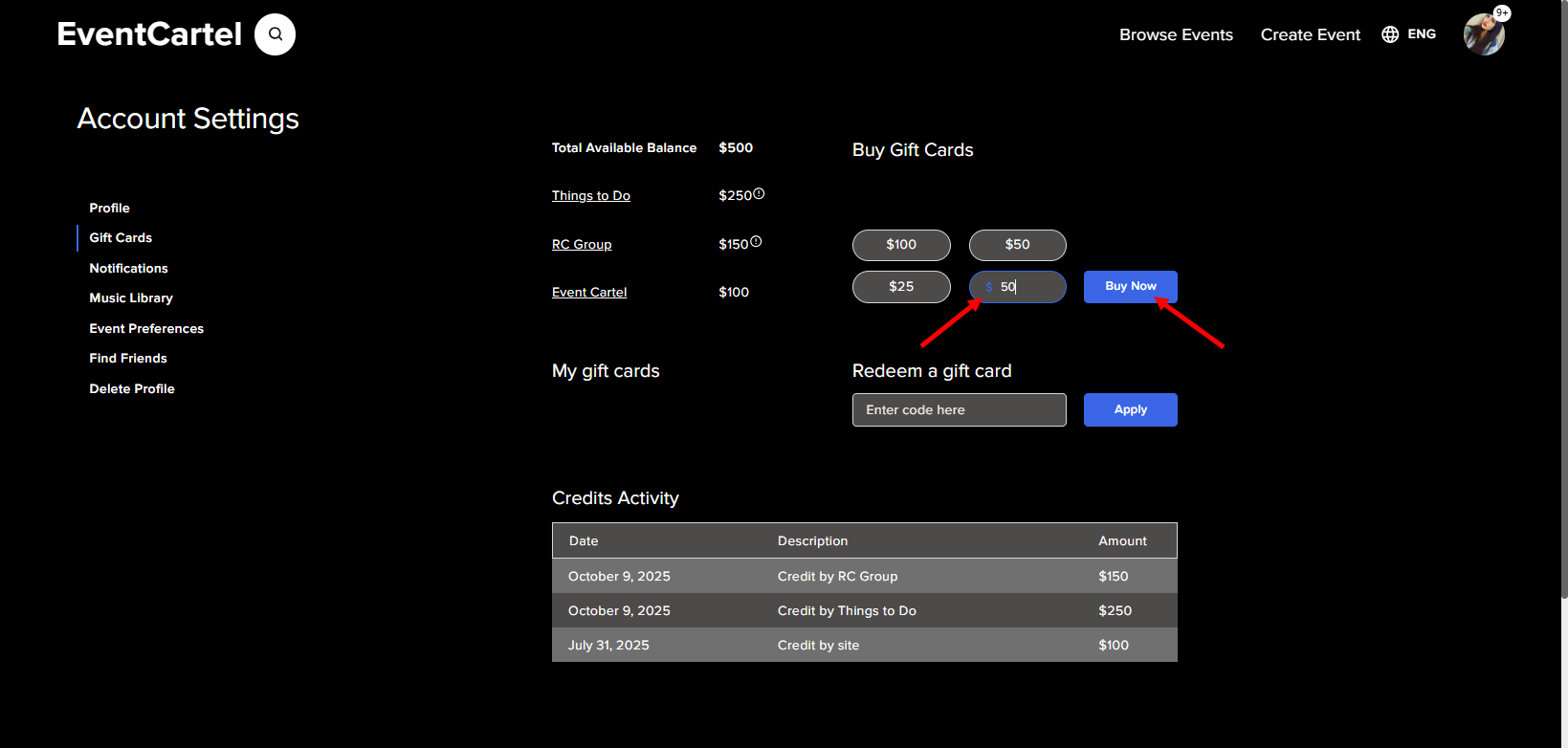
- Enter the amount;
- Click "Buy Now".
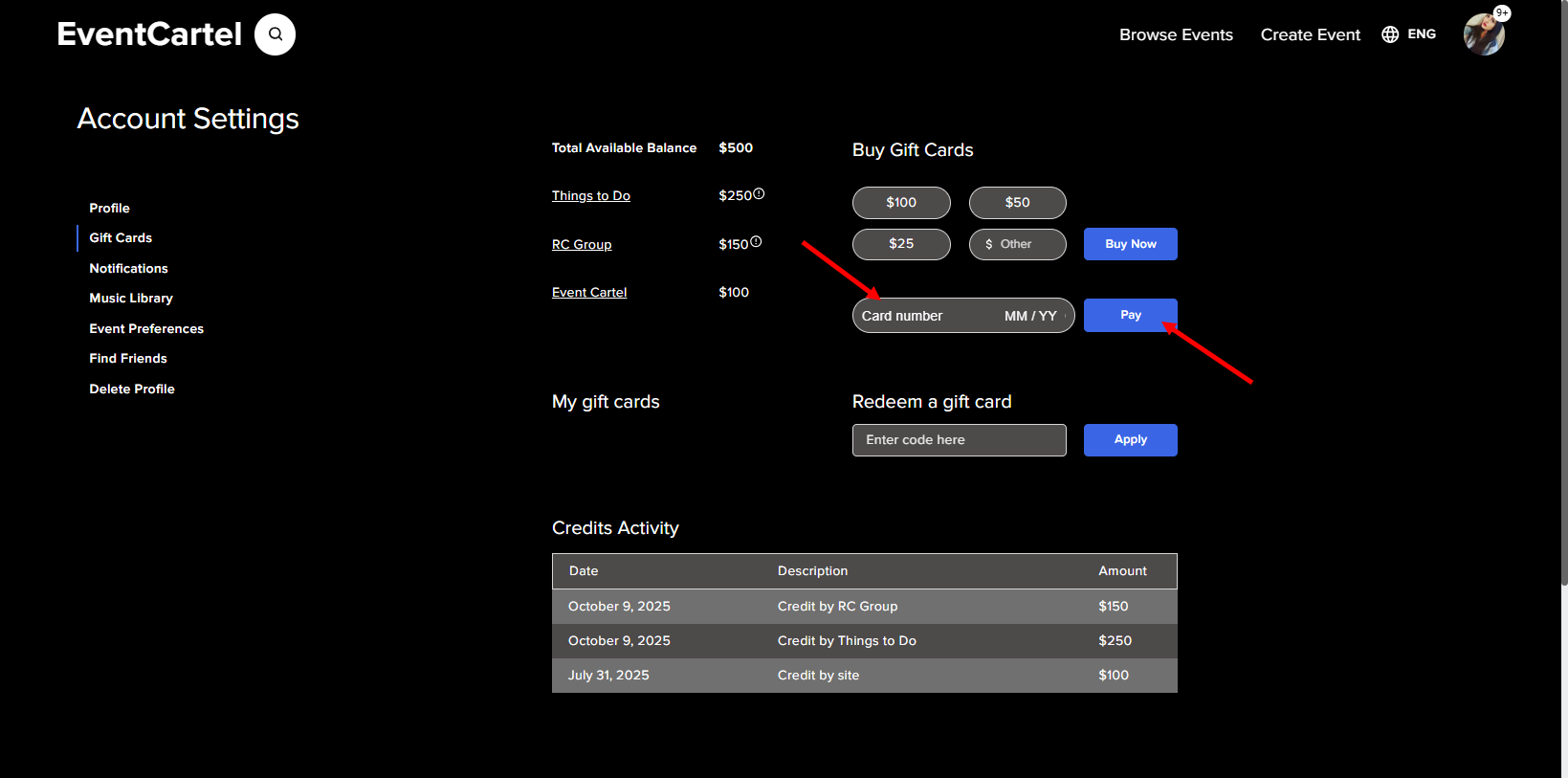
- In the field that appears, please enter your bank card details;
- Click "Apply".
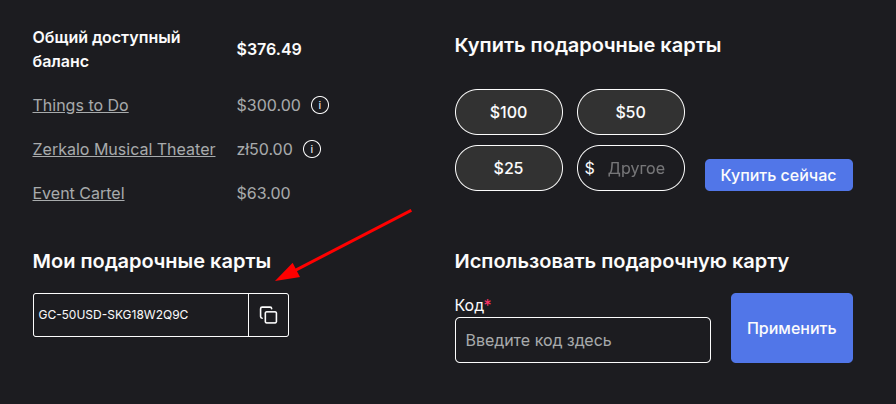
After completing your purchase, you will receive a code. You can share it with another user as a gift or redeem it yourself using the field on the right. Once redeemed, the funds will be added to your account balance.