How to install conversion tracking pixels?
Jun 25, 2026Updated00
Create a Pixels
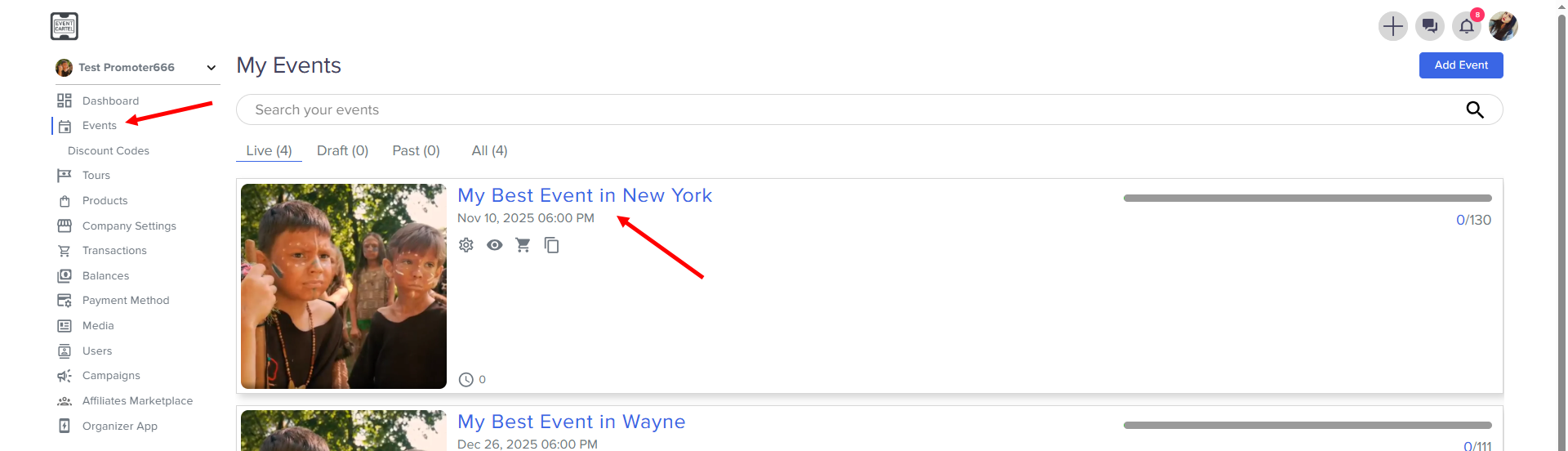
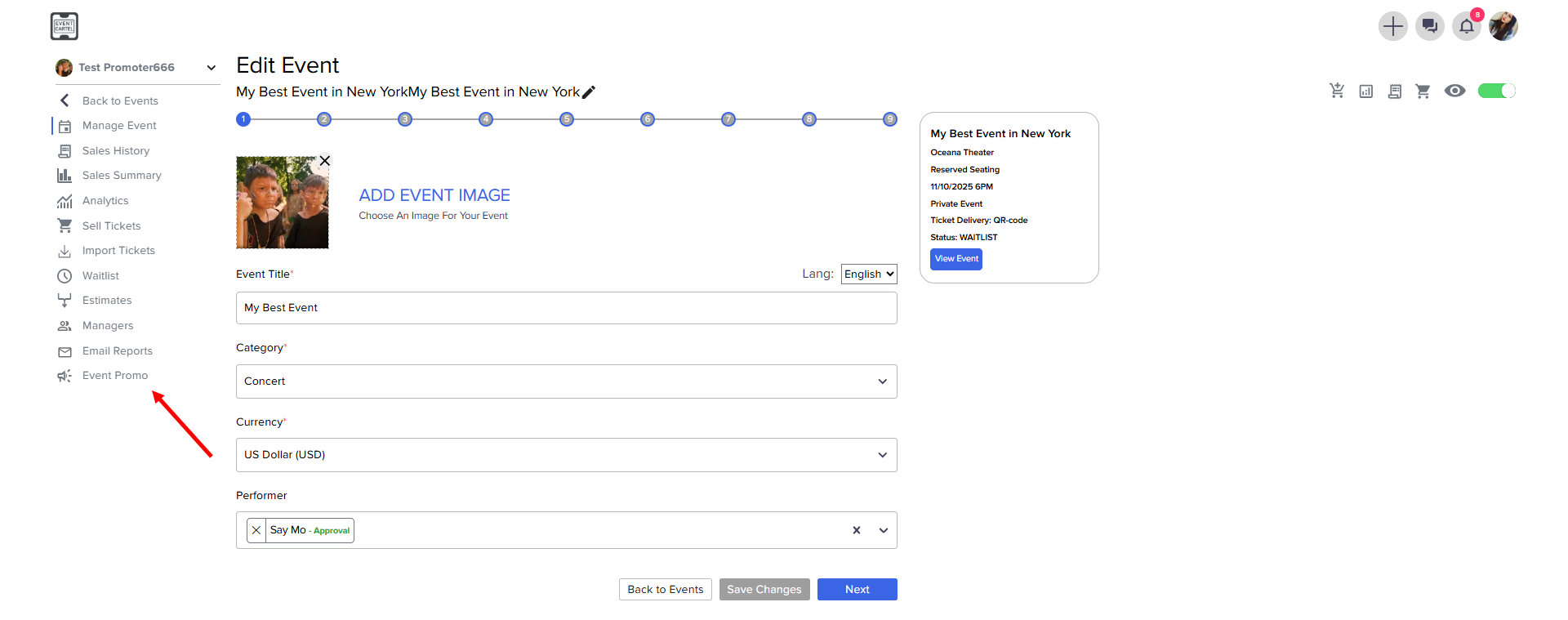
- Go to Conversion Pixels
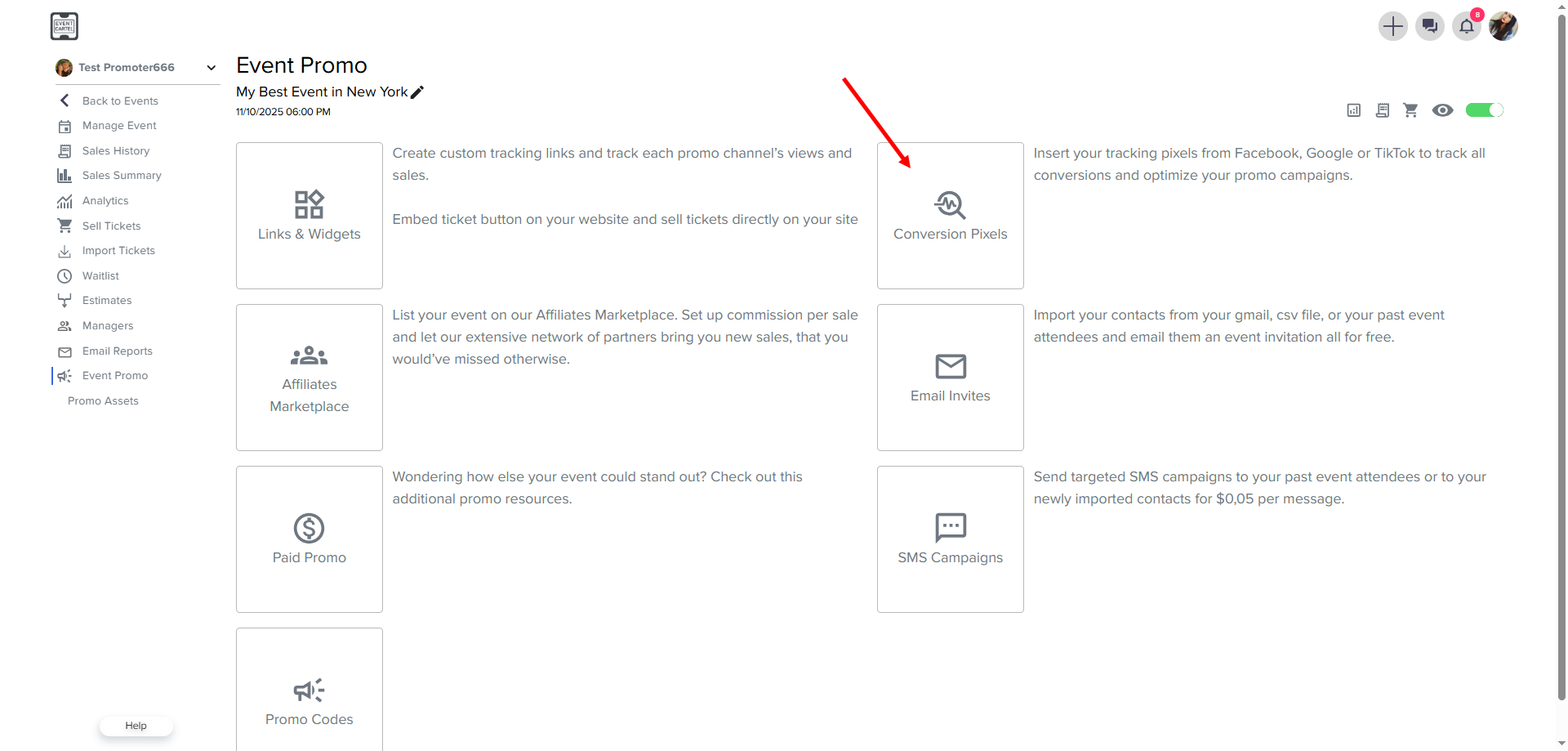
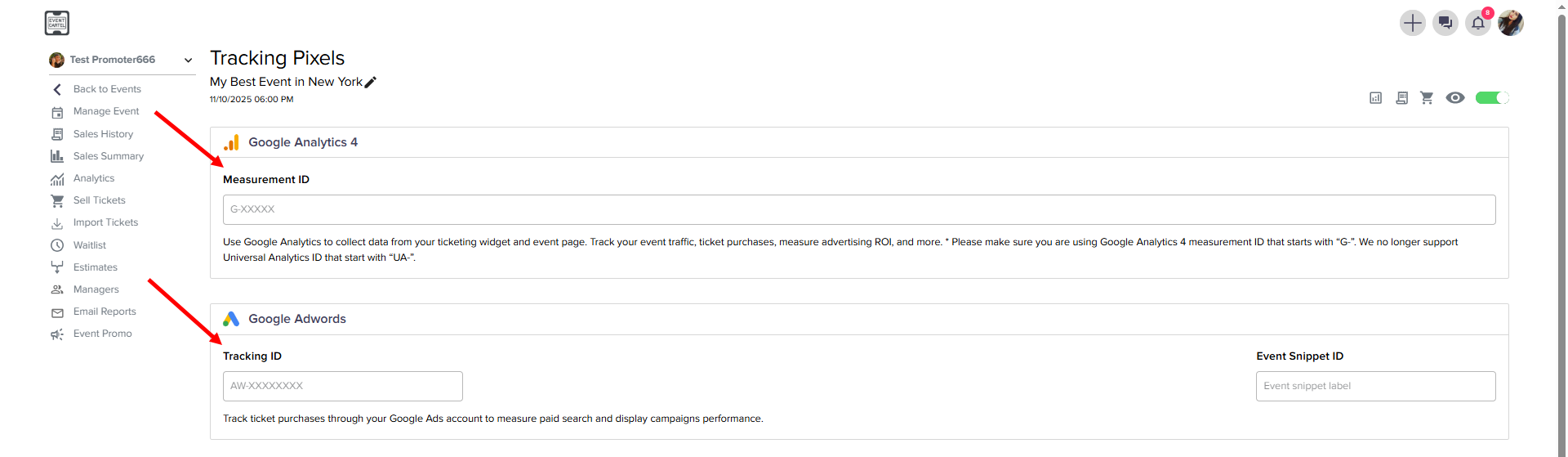
- In the menu that opens, you can add 4 types of Pixels:
- Google Analytics 4
- Google Adwords
- Facebook Pixel
- TikTok Pixel
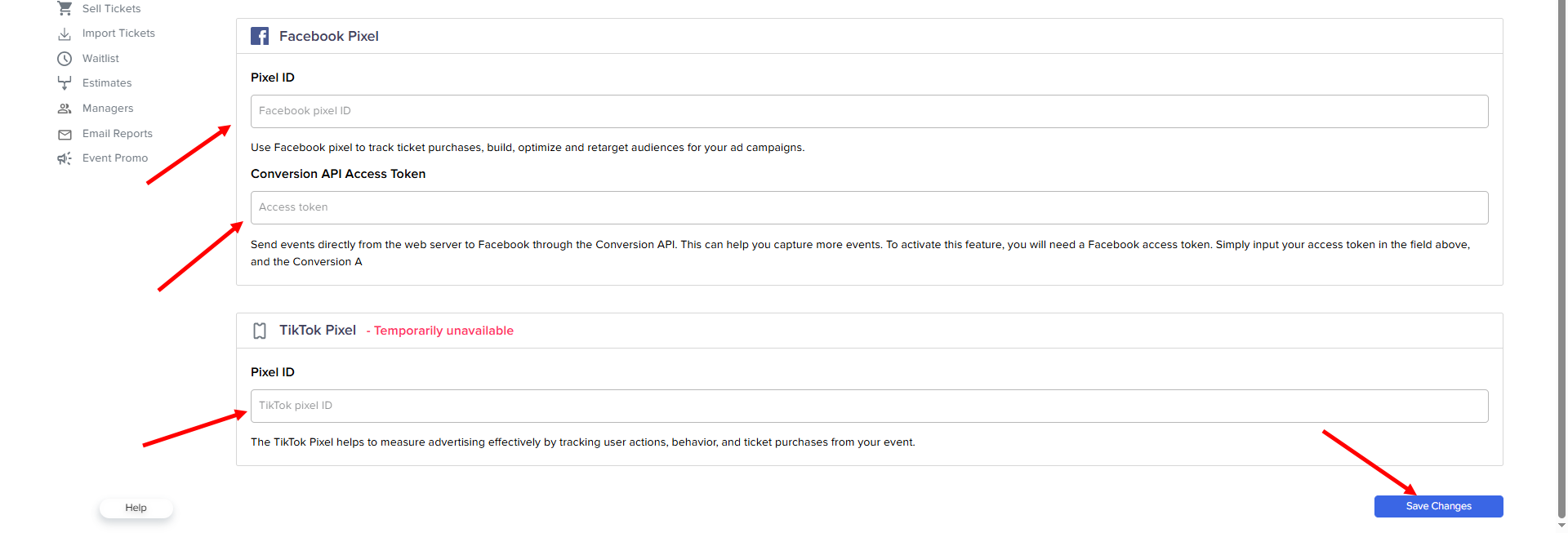
→ click Save Changes