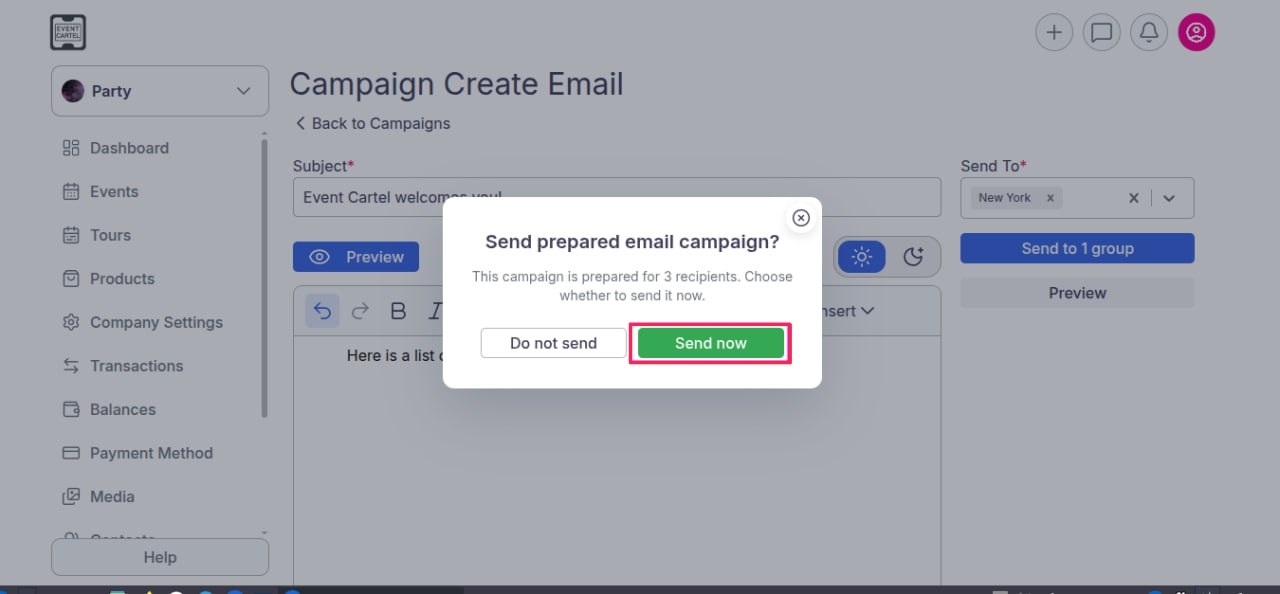
How to verify your email address to start using CRM?
Jun 10, 2026Updated00
If you are sending emails to users from your promoter dashboard for the first time, you may see the following notification:
Error: Your email address (Promoter Name <your email>) needs to be verified first. Please check your email and click the verification link.
This means that the system requires email verification before you can send messages. The process takes only a minute and consists of a few simple steps:
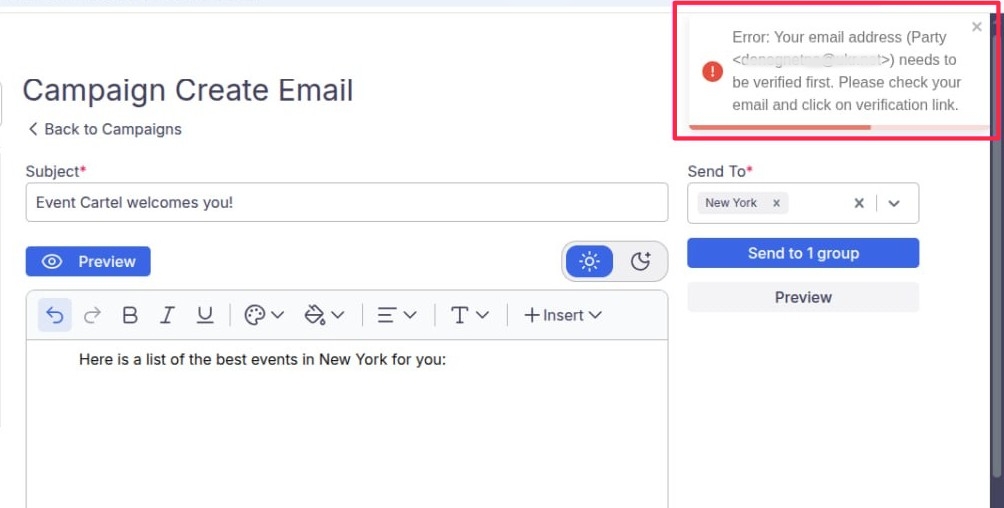
As soon as you see this message in the upper-right corner of the screen, an email from will be automatically sent to your inbox.
(If you don’t see it in your inbox, please check your Spam / Junk folder)

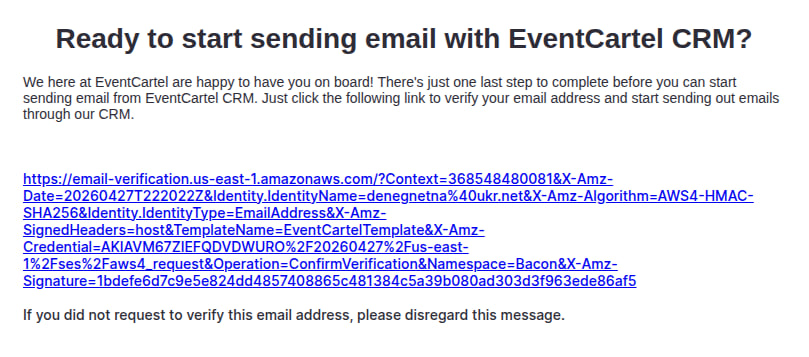
Open the email. Inside, you will find a verification link from Amazon. Click on it.
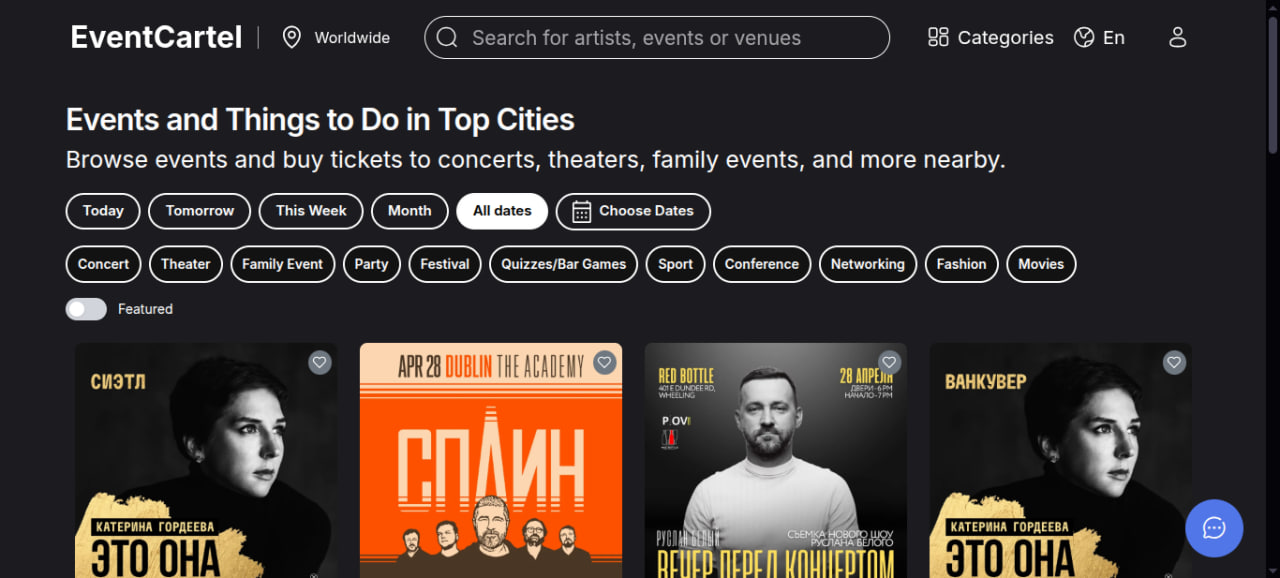
Great — after clicking the link, you will be redirected to the EventCartel website. This means your email has been successfully verified.
(After the first verification, you will not need to repeat this process when sending emails from this account)
Important:
Return to the email creation tab and click Send to Group. Make sure you see a confirmation message that the email has been sent successfully. The process is now complete.