How to add a payment method?
Sep 9, 2026Updated1 min read00
A linked bank card is required to pay for SMS campaigns, marketing plans, affiliate commissions, ticket code imports, and other paid services.
To add a card:
Log in to your EventCartel account;
Go to "Business Manager";
Open the "Payment Method" section.
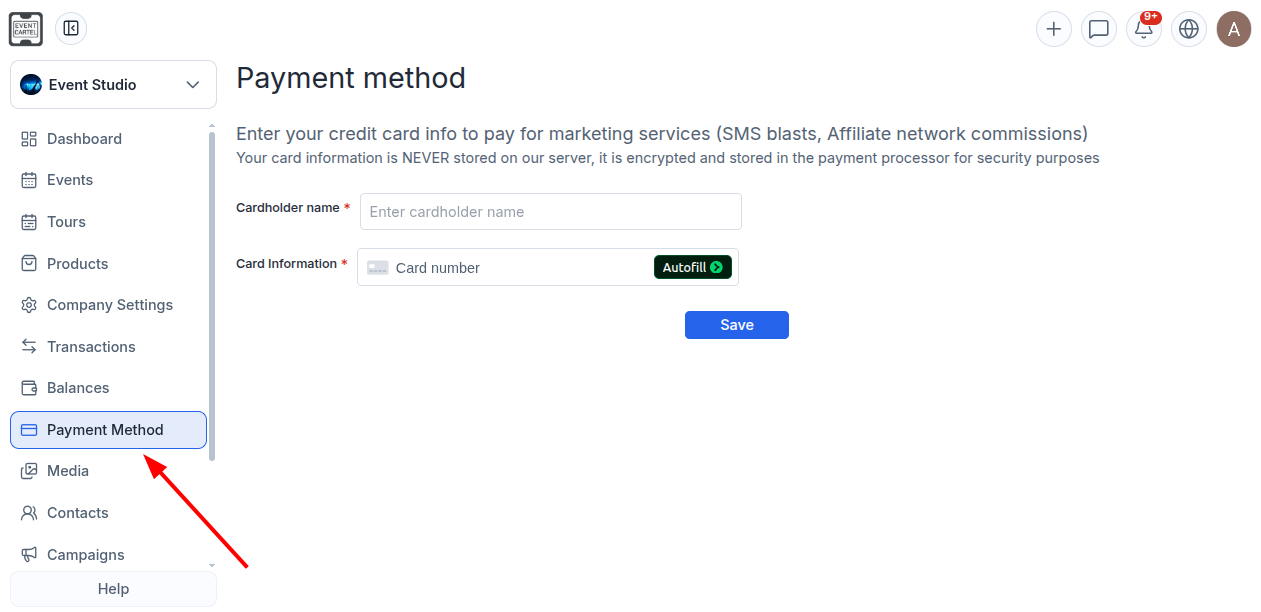
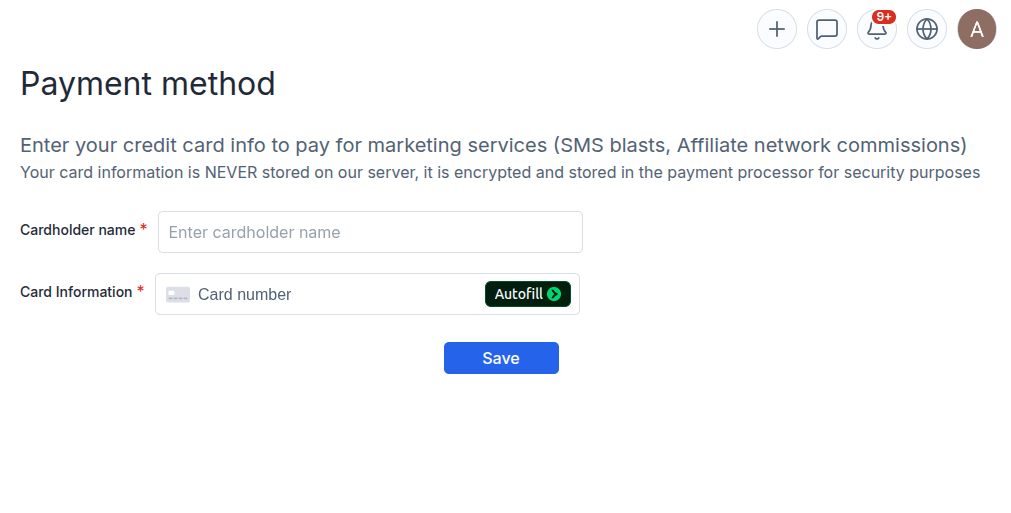
- In the "Cardholder name" field, enter the cardholder’s first and last name exactly as they appear on the card;
- In the "Card number" field, enter the card number, expiration date, and CVC code;
- Click "Save."
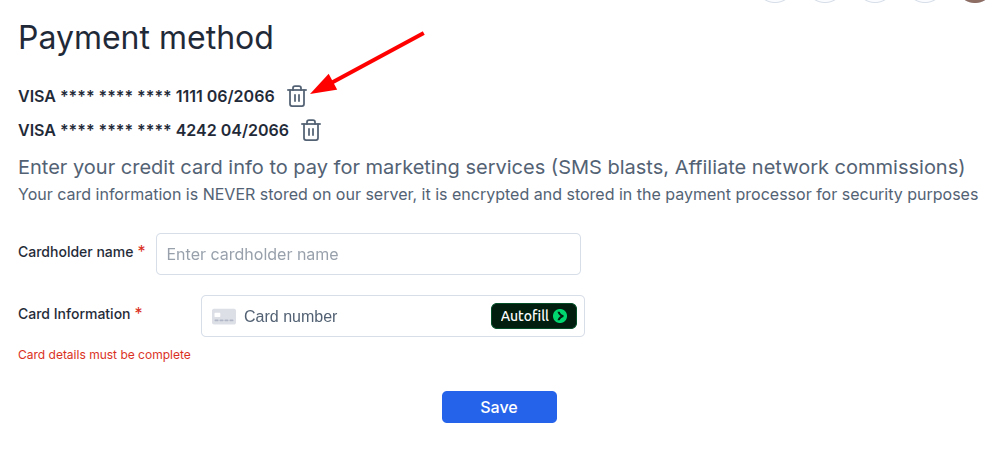
You can add multiple cards. The system will first attempt to charge the card listed first. If it has insufficient funds, the next card will be charged.
To remove a saved card, click the trash icon 🗑️ next to it.