How to issue mass refunds to customers?
Jun 25, 2026Updated00
Issue mass refunds
- Log in to your EvenCatrel account
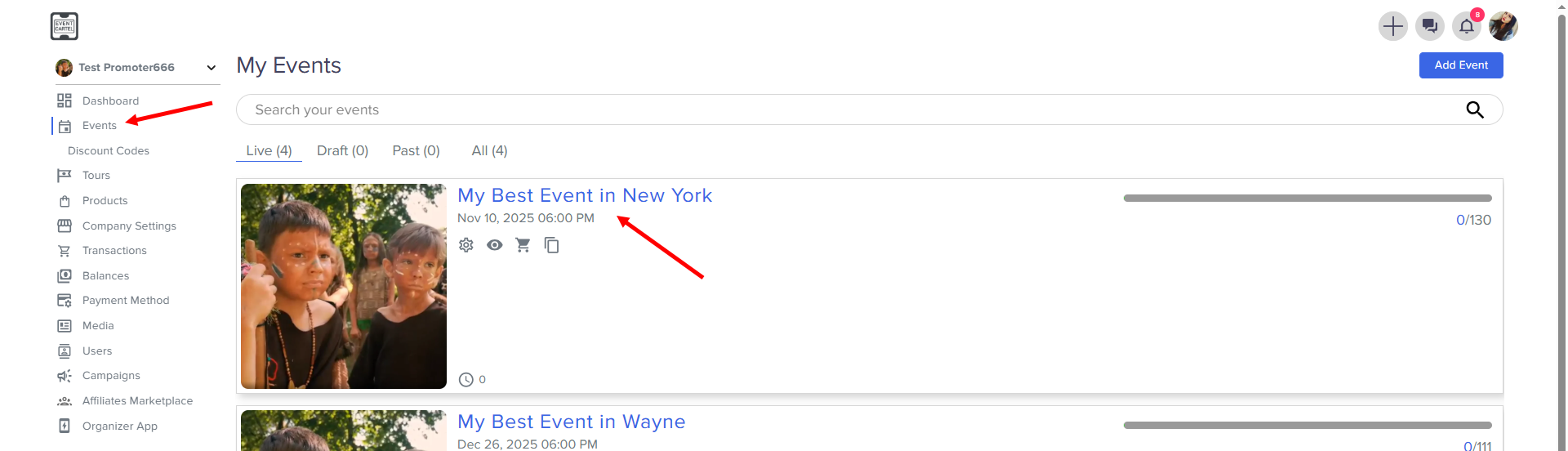
- Go to Events → find the Event you need
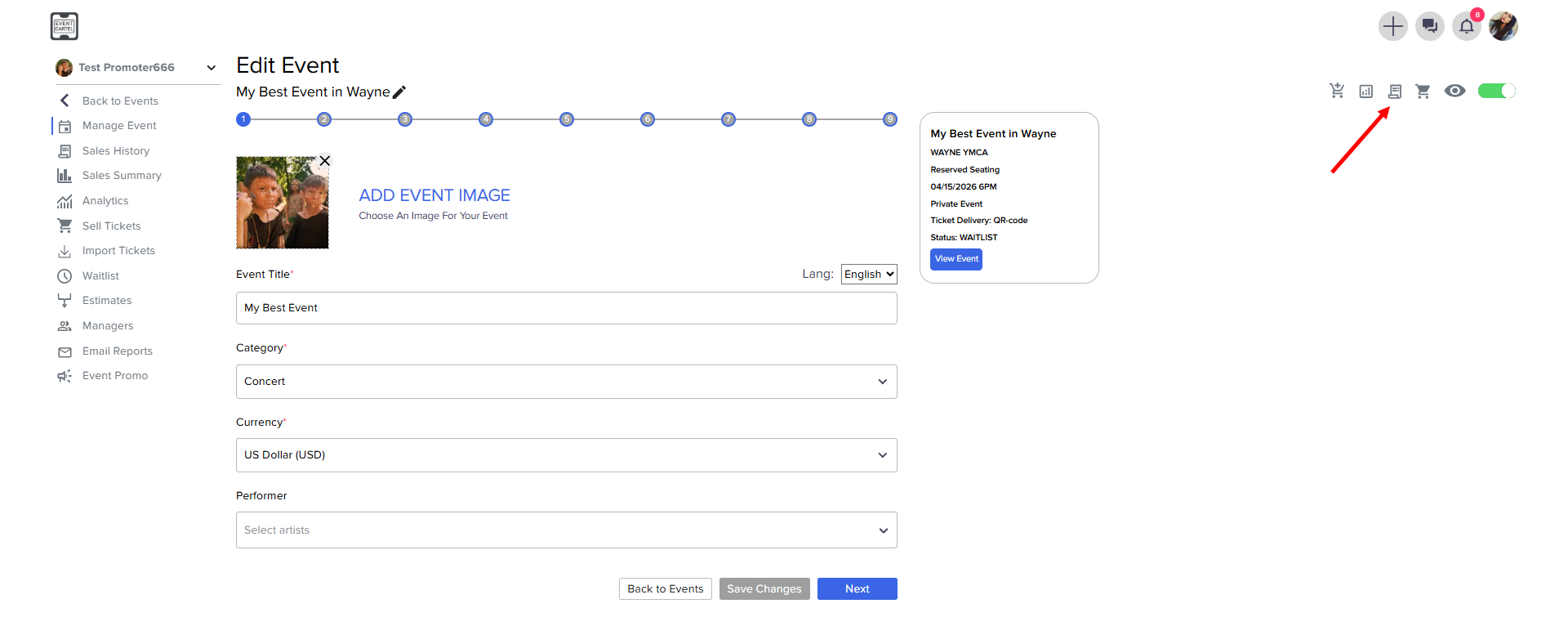
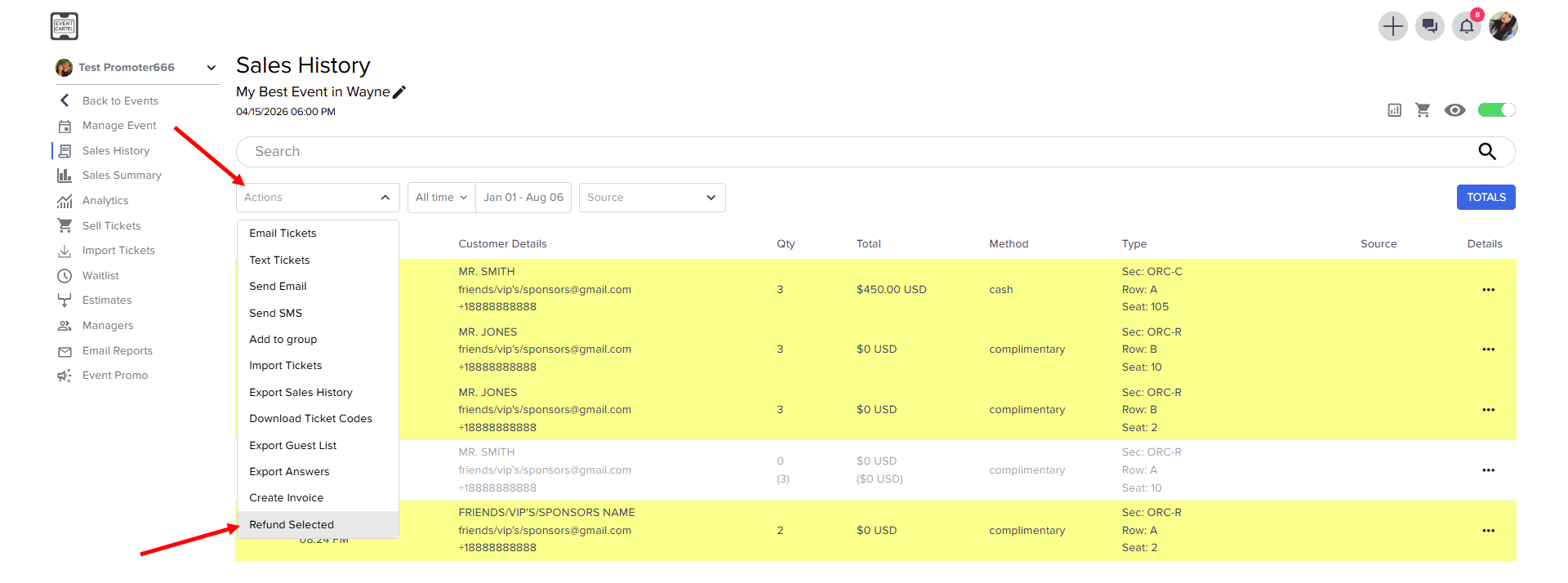
- Go to the Sales History
- Select all orders
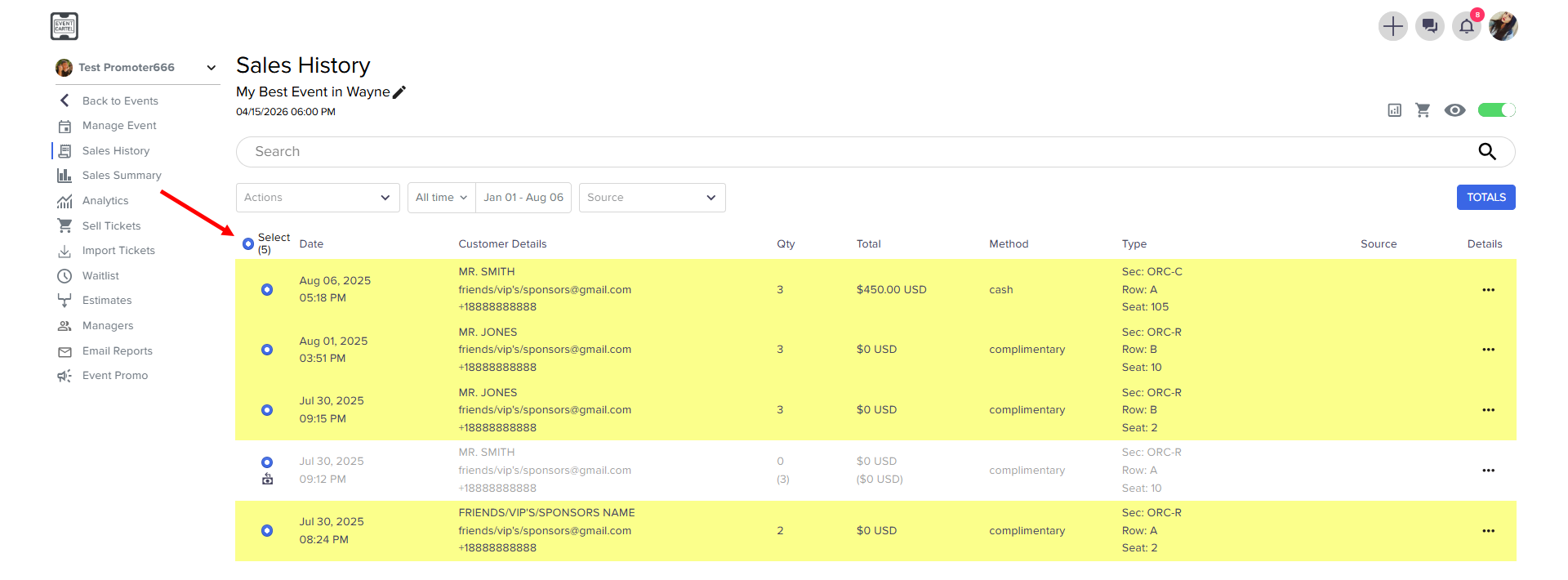
- click Action → Refund Selected
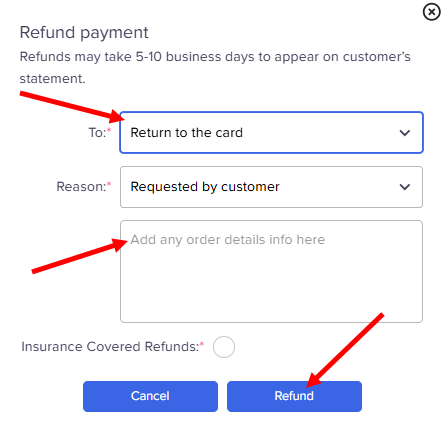
- choose Return to the card → enter the details of the refund → click Refund