EventCartel

How to check delivery results for sent out email campaign?

Jun 25, 2026Updated00

Check Delivery Results

- Log in to your EvenCatrel account
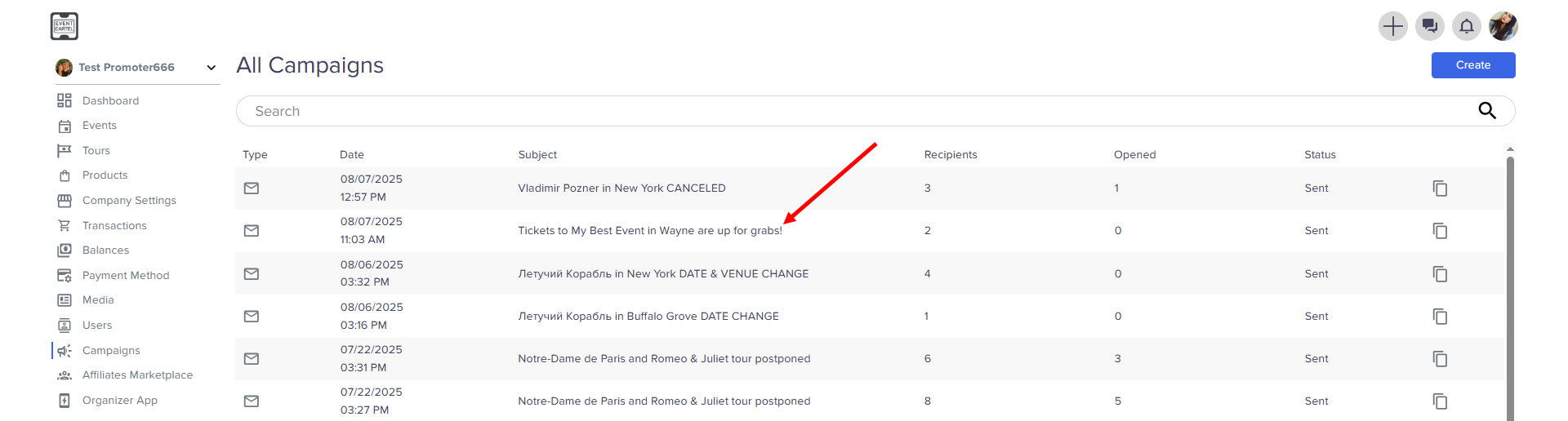
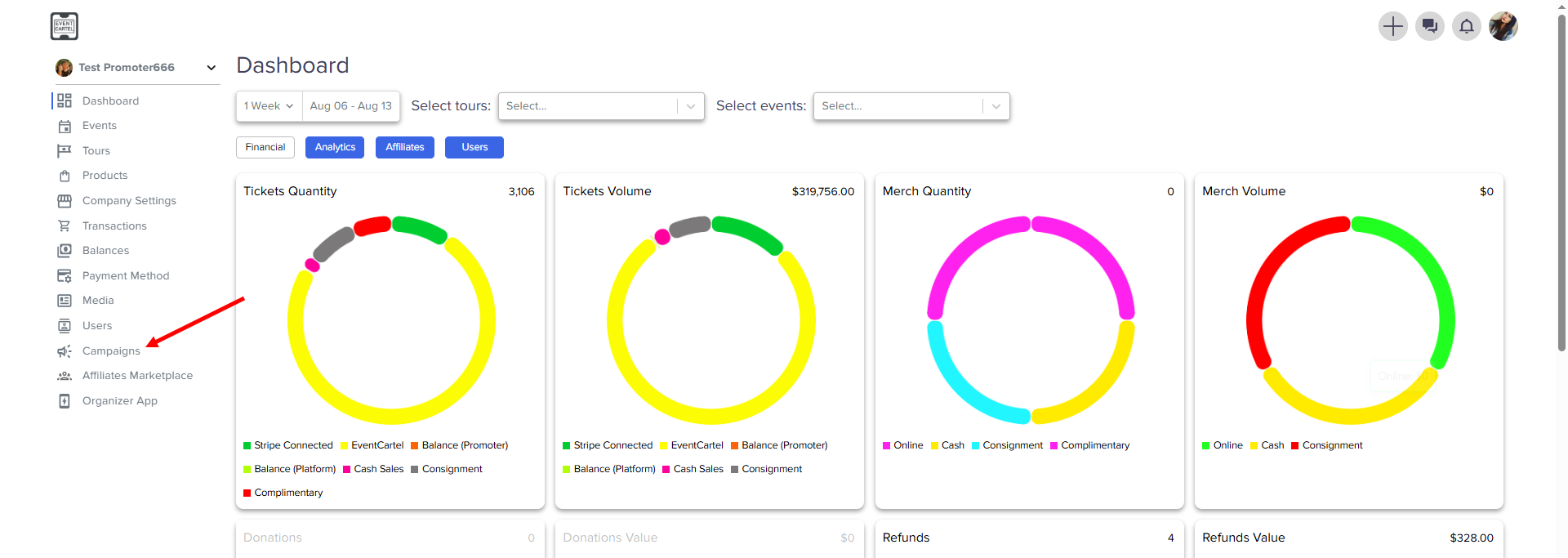
Go to the Campaigns
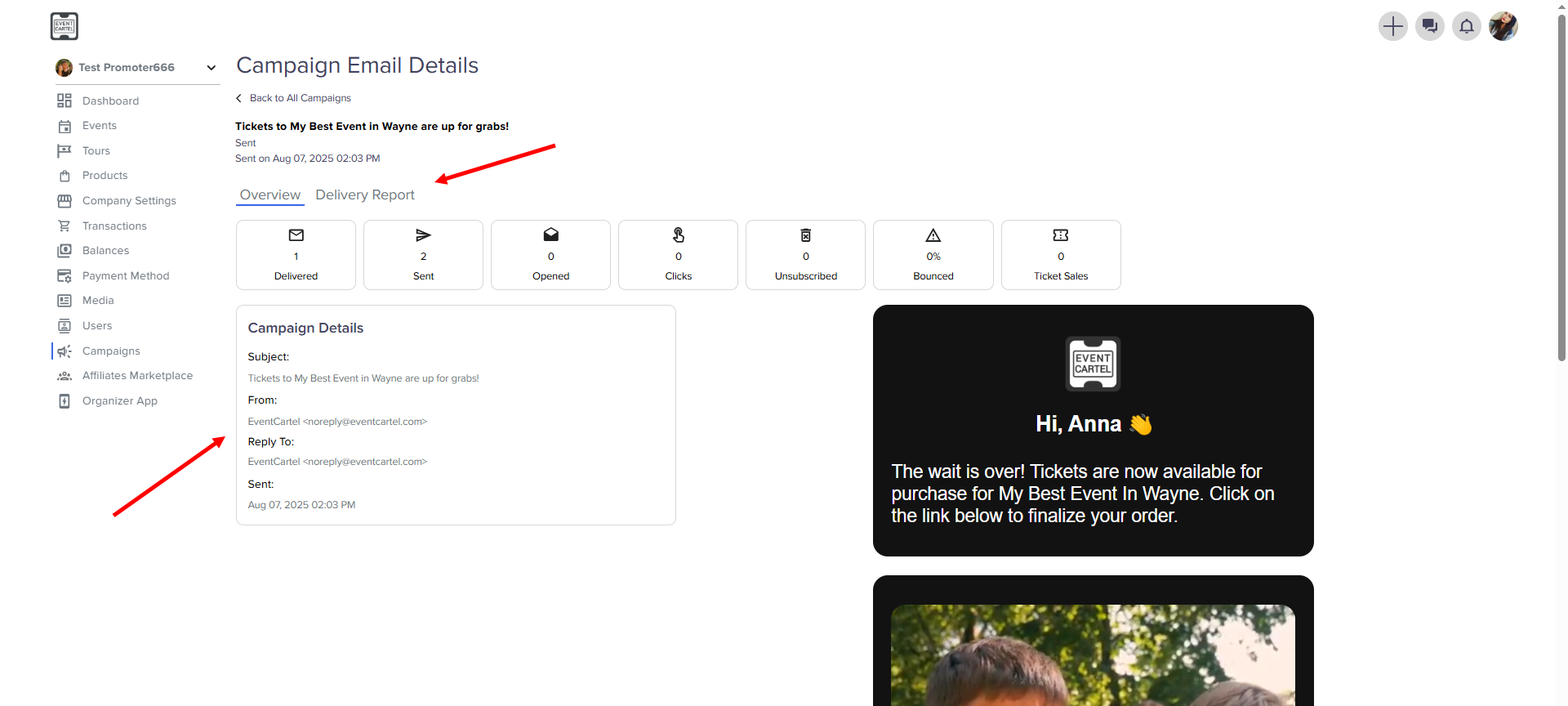
- Choose the notification
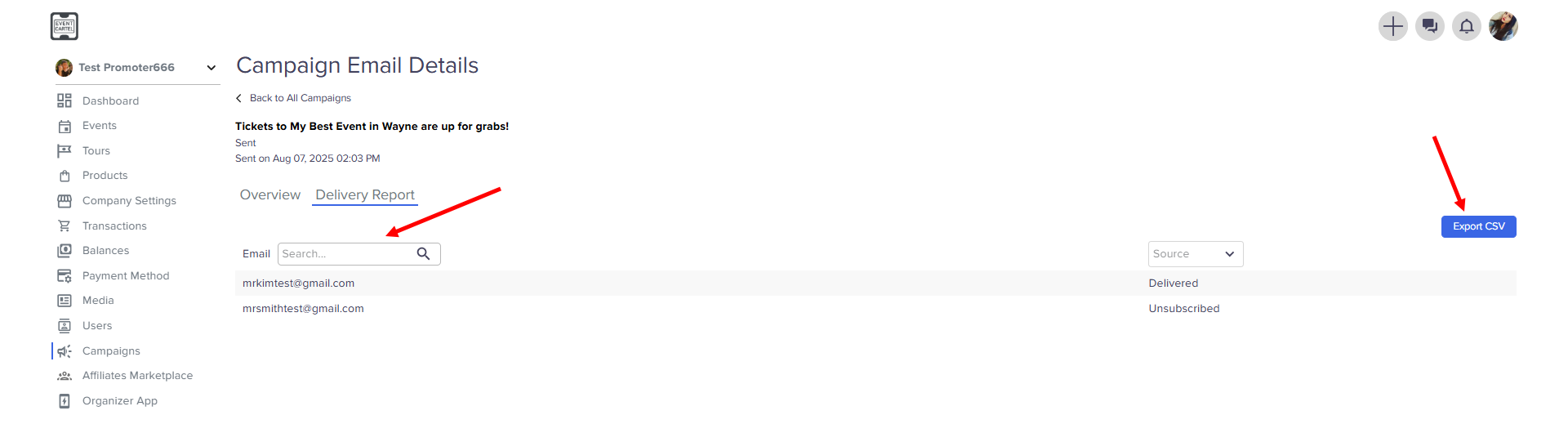
- You can find the details here → click Delivery Report
- Here you can find a customer by email, see the result of receipt and download this information

Still have questions?

Contact support and include your order number. We'll do our best to help as quickly as possible.

Was this article helpful?
Related articles