How to add your own seating map to an event
Jul 9, 2026Updated1 min read00
If you're adding a new venue or want to use a new seating layout for an existing venue, you can submit a request to have it created directly during the event creation process.
- Go to Step 4 of the event creation process. If the seating chart you need isn't available, click "I would like to request a custom seating chart".
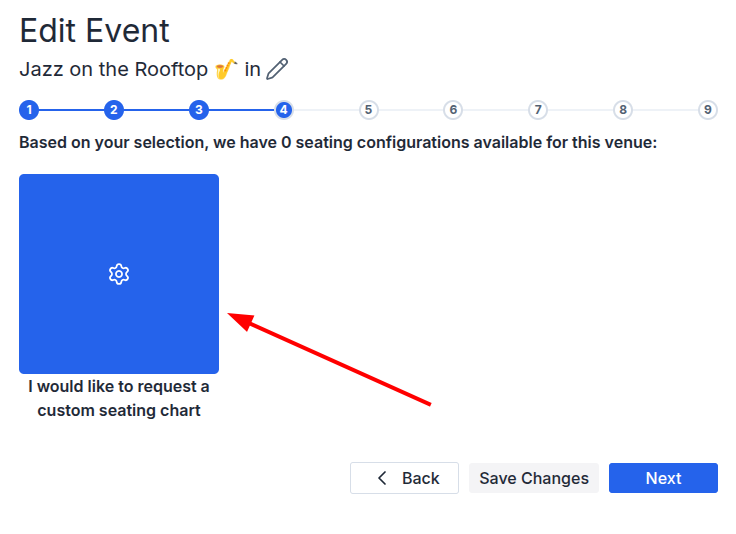
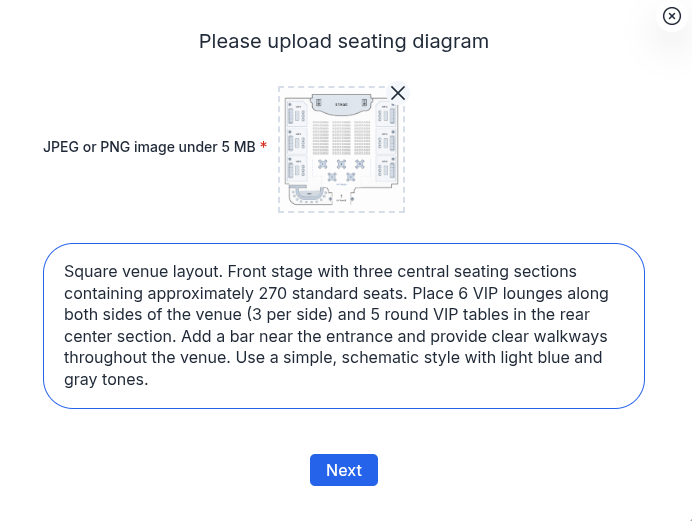
In the window that opens:
- Upload an image of your seating layout in JPEG or PNG format (up to 5 MB);
- In the field below, provide a detailed description of how the seating chart should be designed, including the location of the stage, seats, VIP areas, tables, and any other instructions for the designer;
- Click "Next".
• After you submit your request, our designer will begin creating your seating chart;
• The process typically takes 3–5 business days;
• Once your seating chart is ready, you'll receive an email notification.
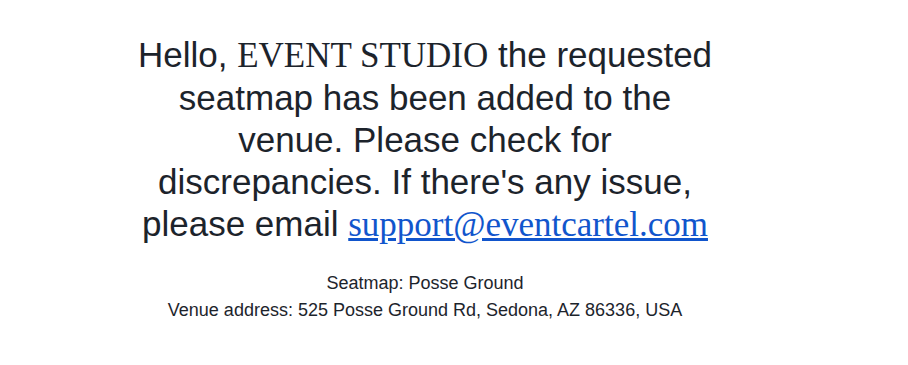
Once you receive the notification, open your saved draft and continue creating it.