How to use Estimate?
Jun 25, 2026Updated00
This method is useful for adding tickets to the venue layout.
When you create an event, you can use Estimate to quickly add tickets for sale. You can also go back to step 6 at any time when creating an event.
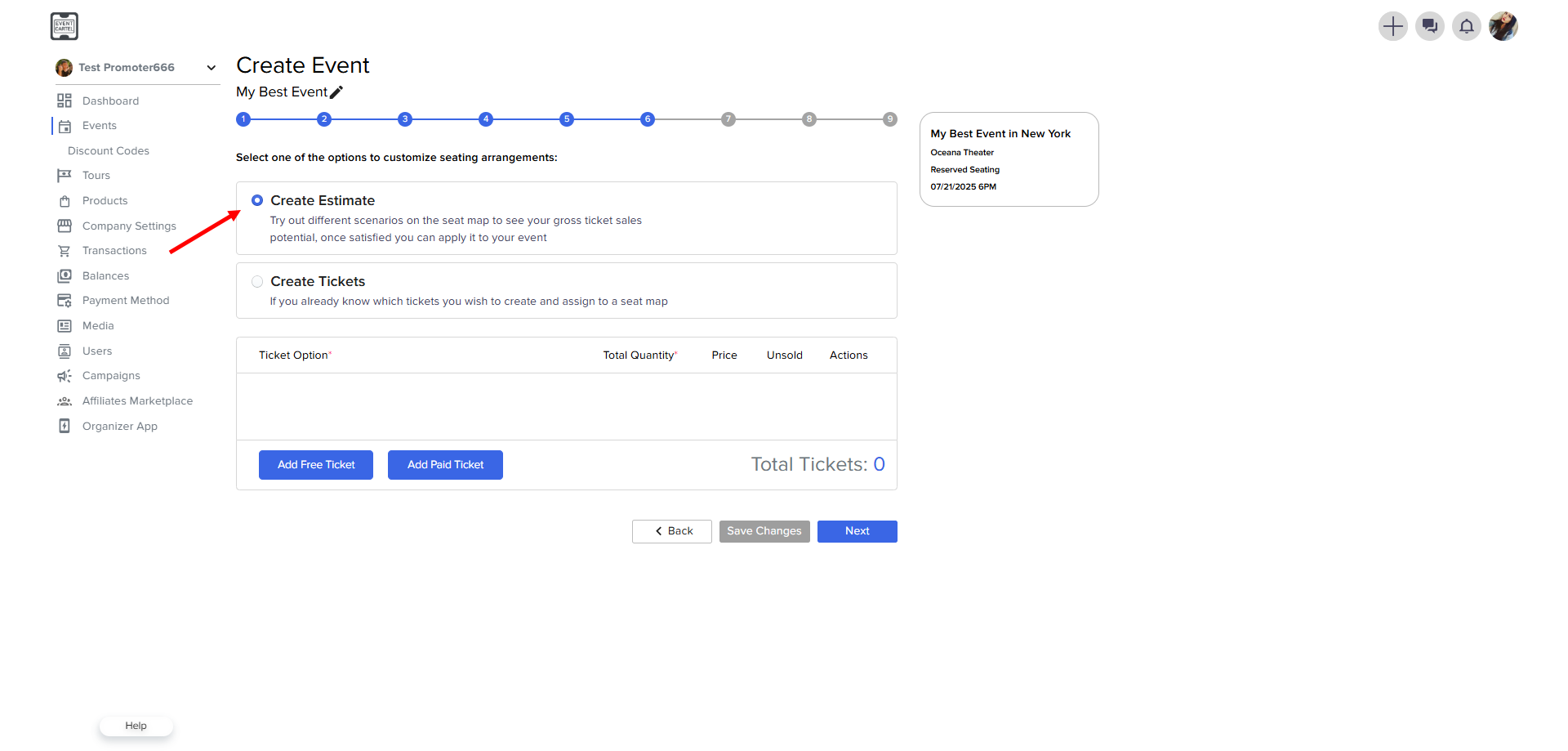
Click on Step 6 → Create Estimate
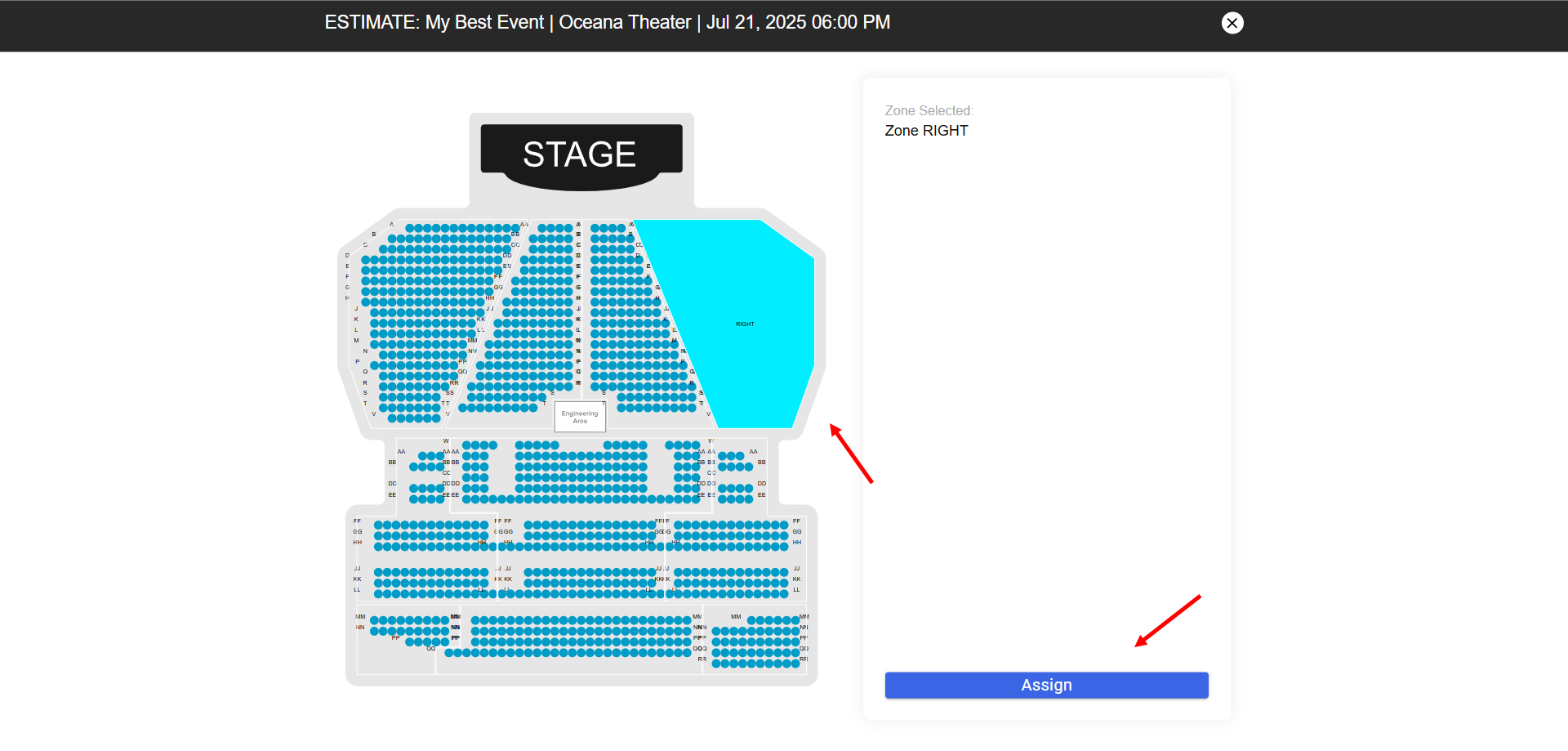
Select any Zone → click Assign
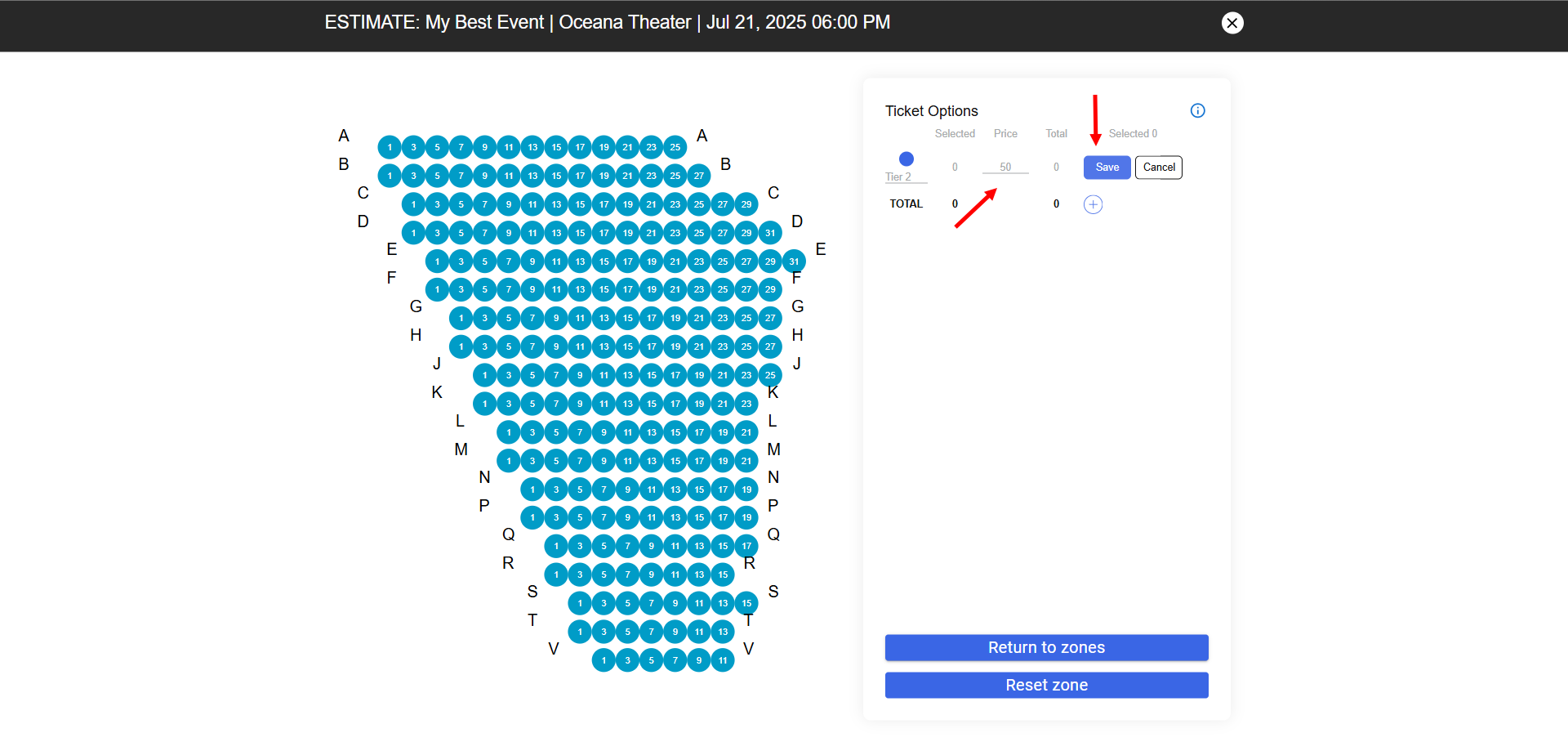
Enter the Price → click Save
Select any Zone → click Assign
Enter the Price → click Save
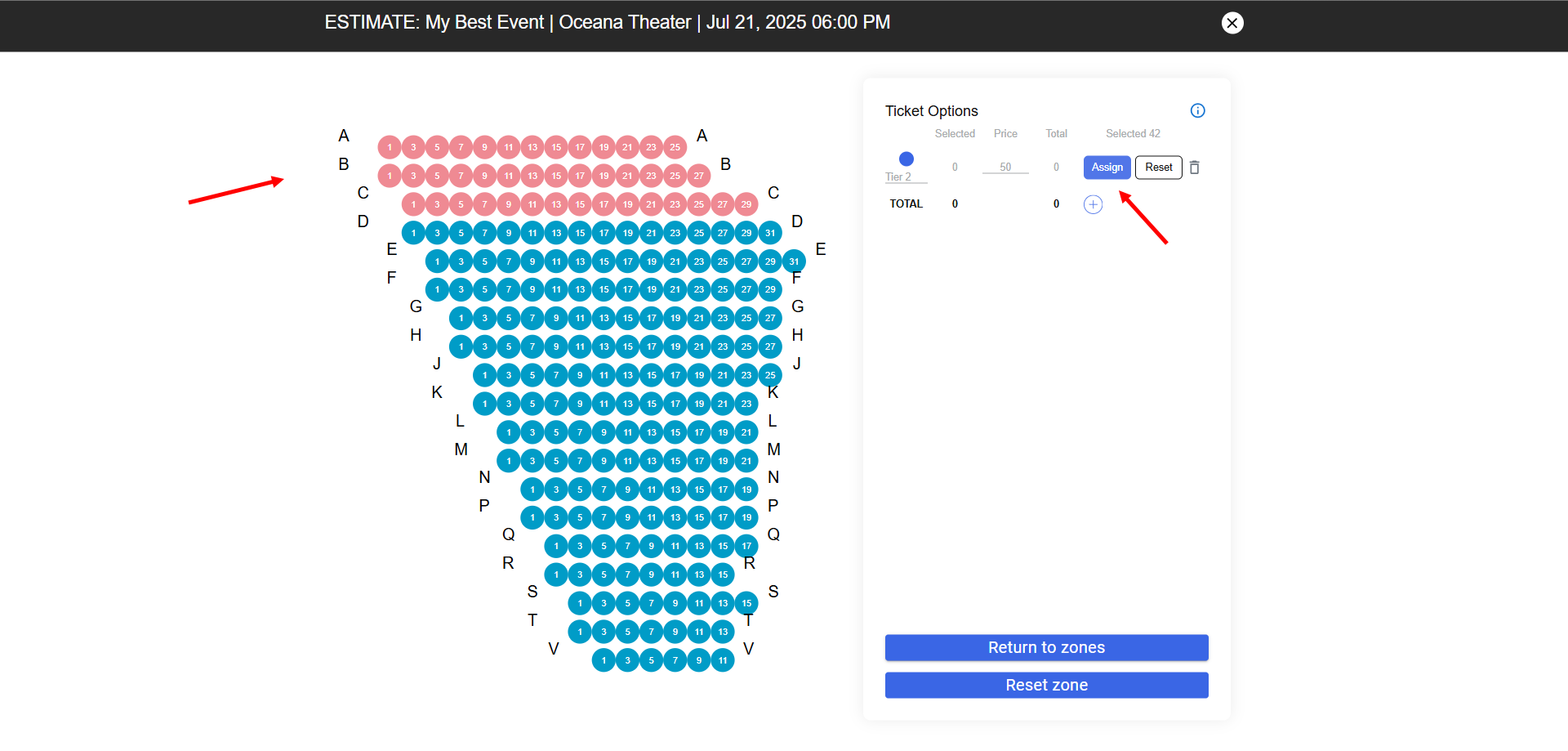
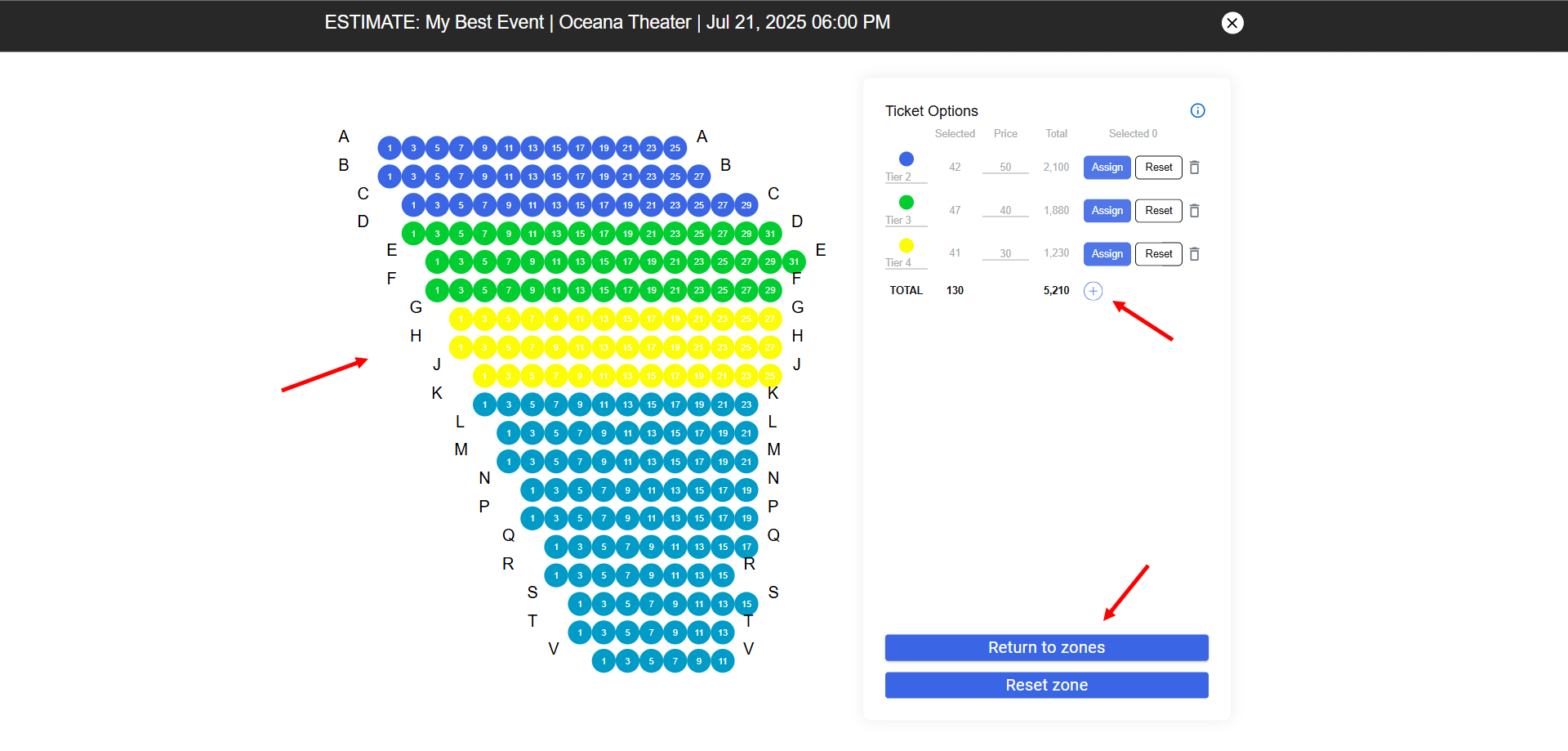
Select the seats → click Assign
Tip: you can click on a letter to select the entire row.
You can create several ticket options by clicking on the plus → select and assign seats
→ click Return the zones
Tip: you can start over by clicking Reset Zone
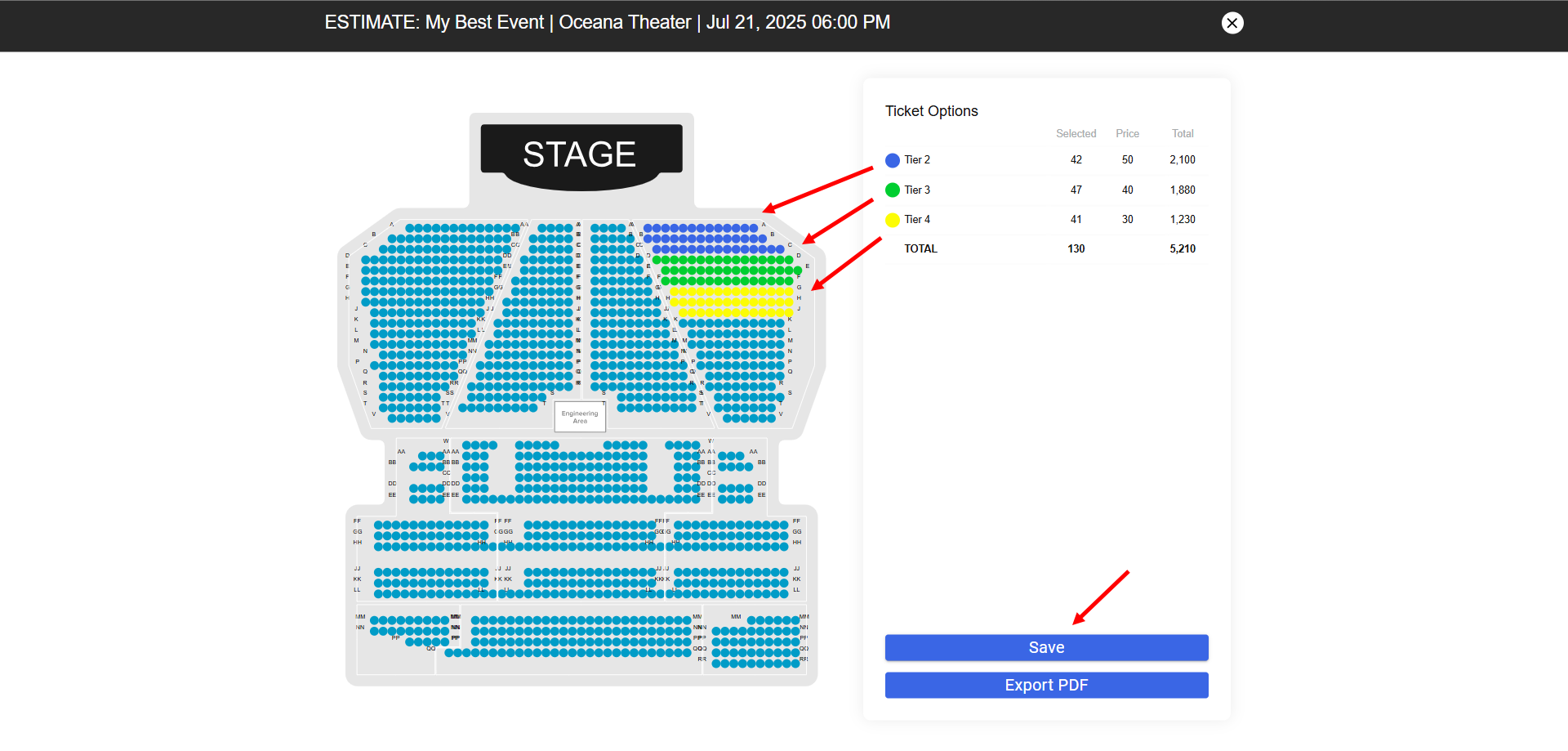
On the shared map, you can check the correctness and click Save.
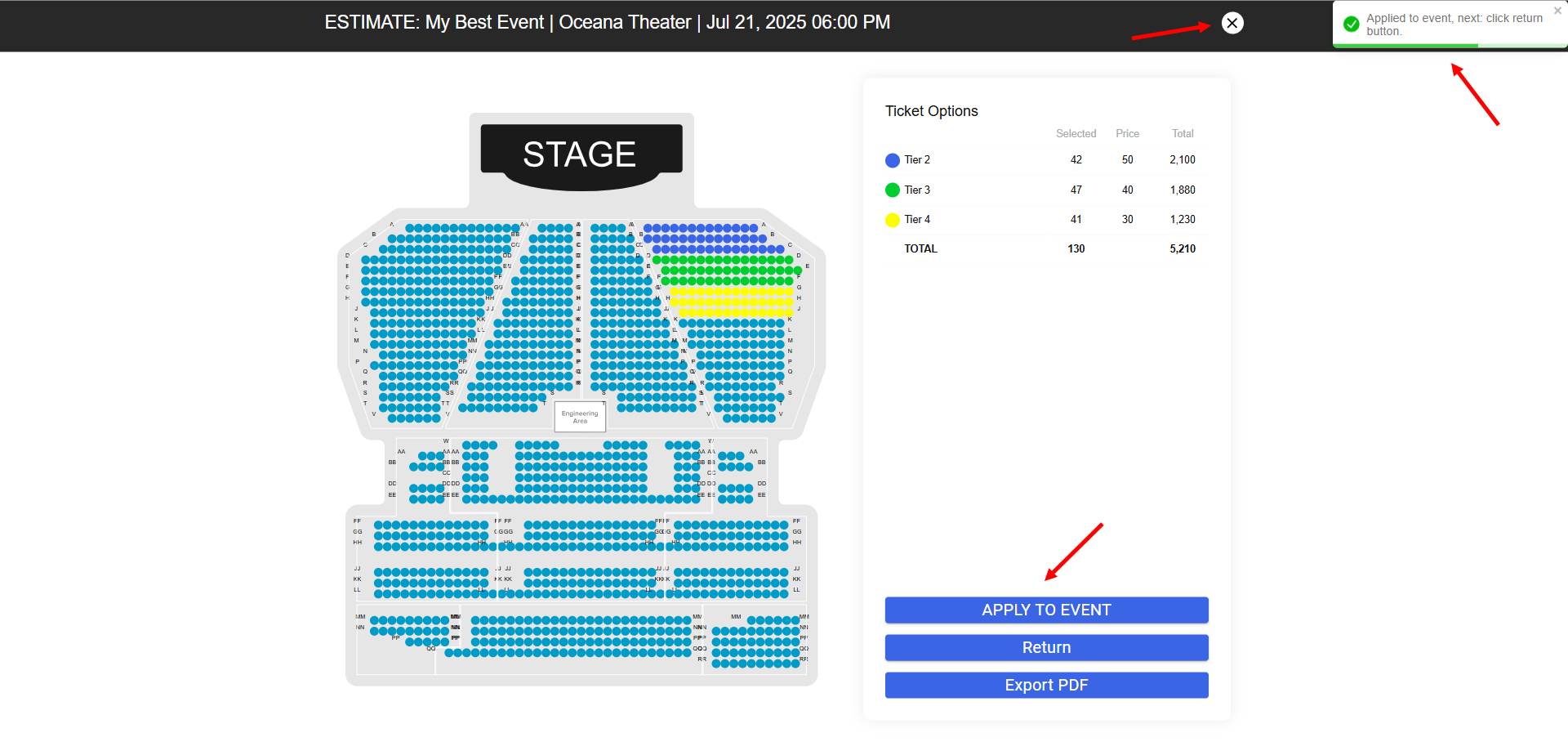
Good job! Now you can add a ready-made map to the event → click APPLY TO EVENT
Make sure that the card has been added, the system will notify you in the upper-right corner → click X
All ticket options will be visible on step 6 and assigned to the card → click Next