How to create complimentary tickets for my friends/VIP's/Sponsors/etc?
Jun 25, 2026Updated00
Create Complimentary Tickets
- Log in to your EvenCatrel account
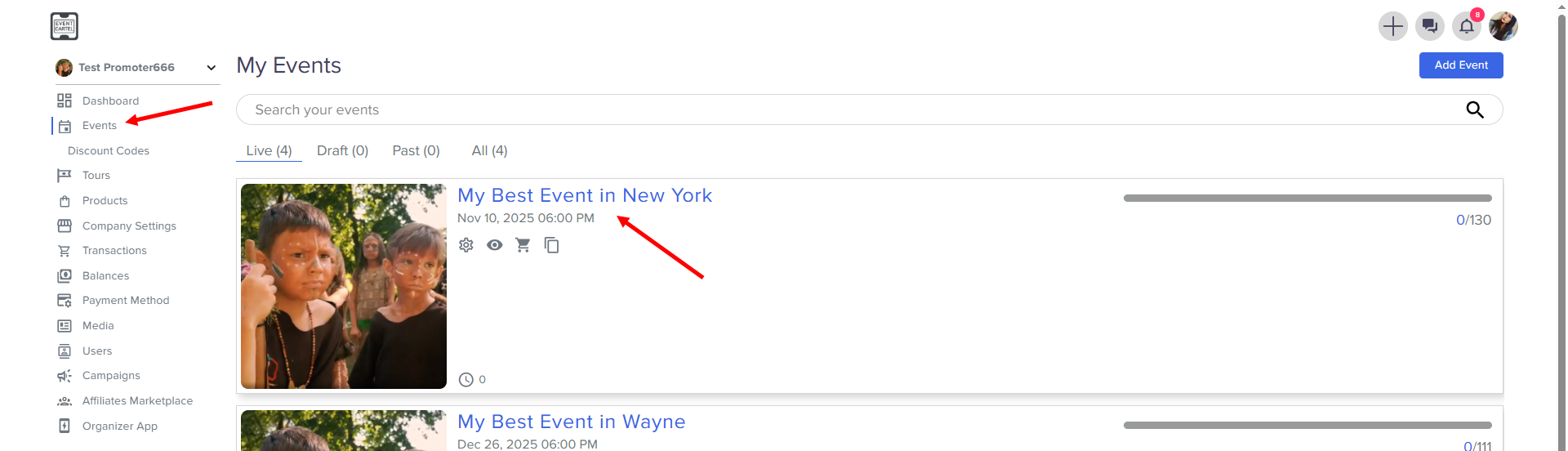
- Go to Events → find the Event you need
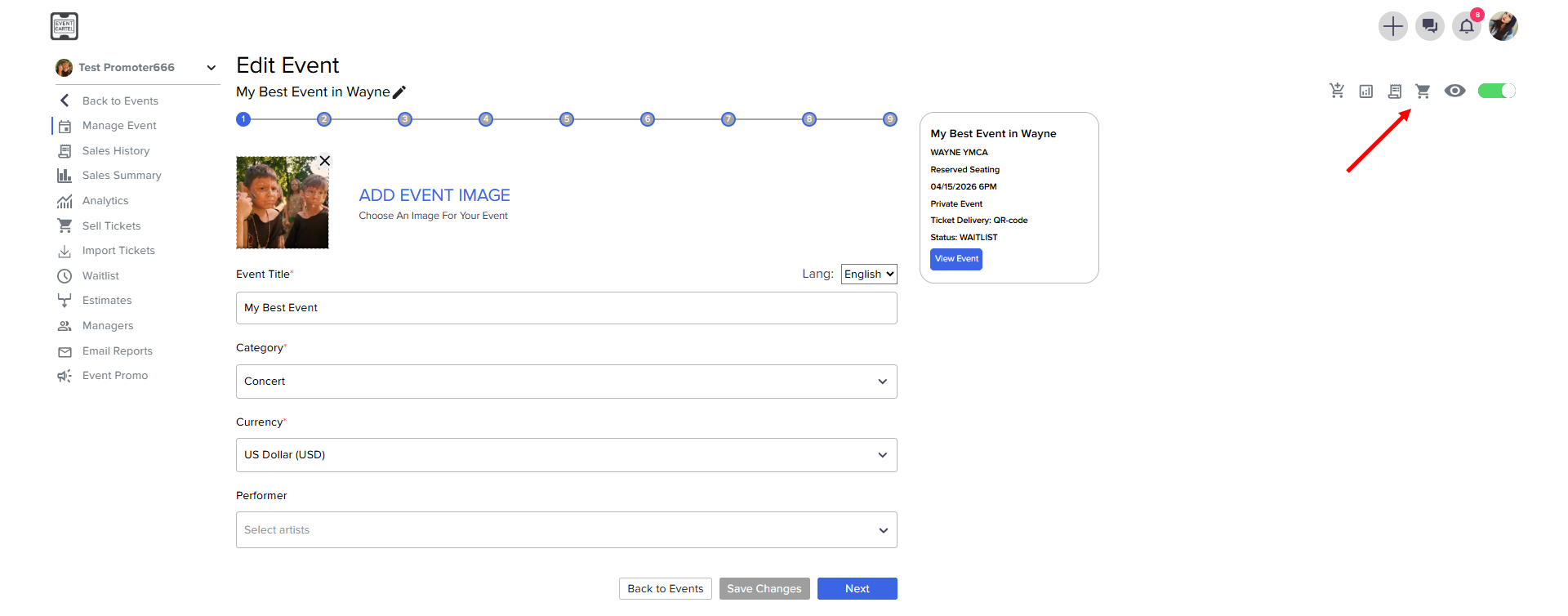
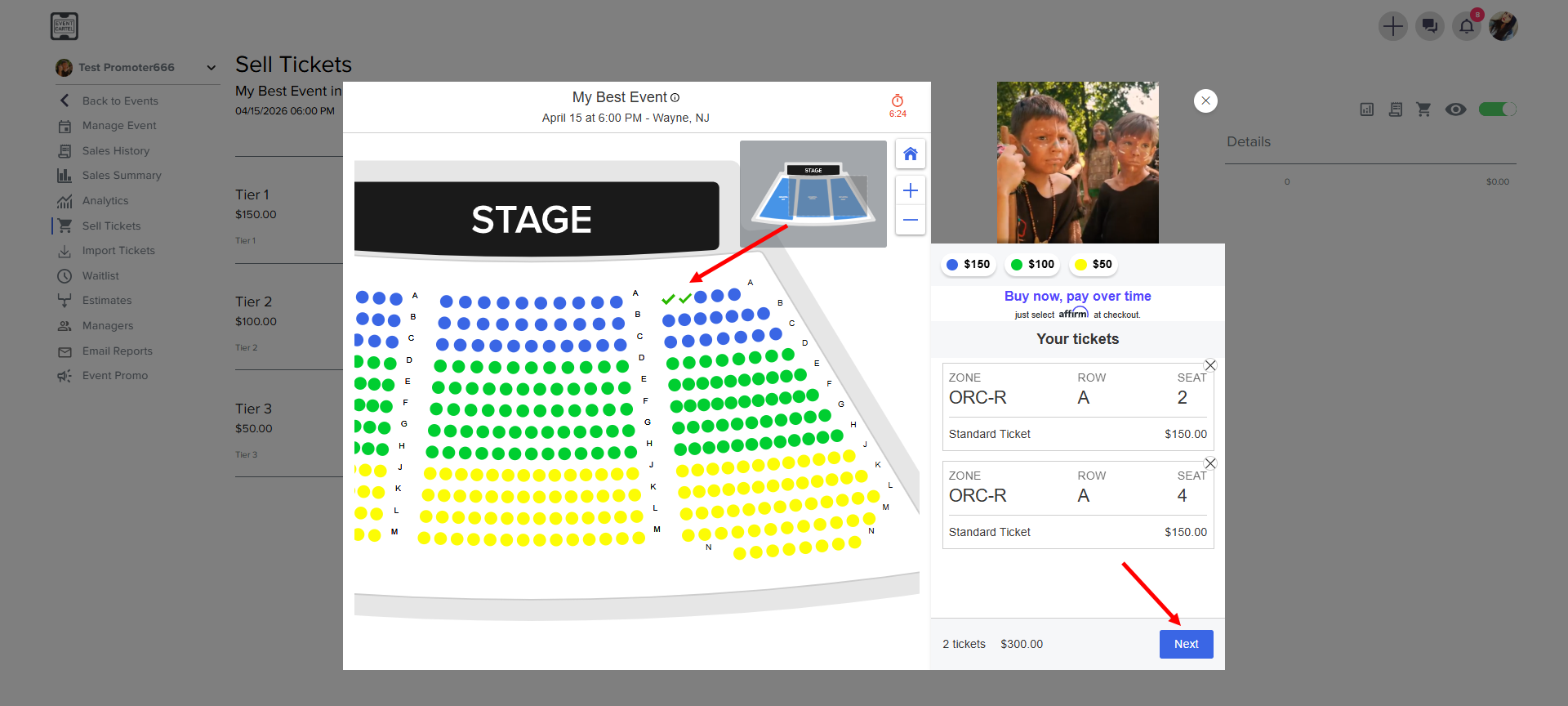
- choose the seats → click Next
Enter the required information
- First and Last name
- email address
- the phone number → Select a Complimentary → click Pay
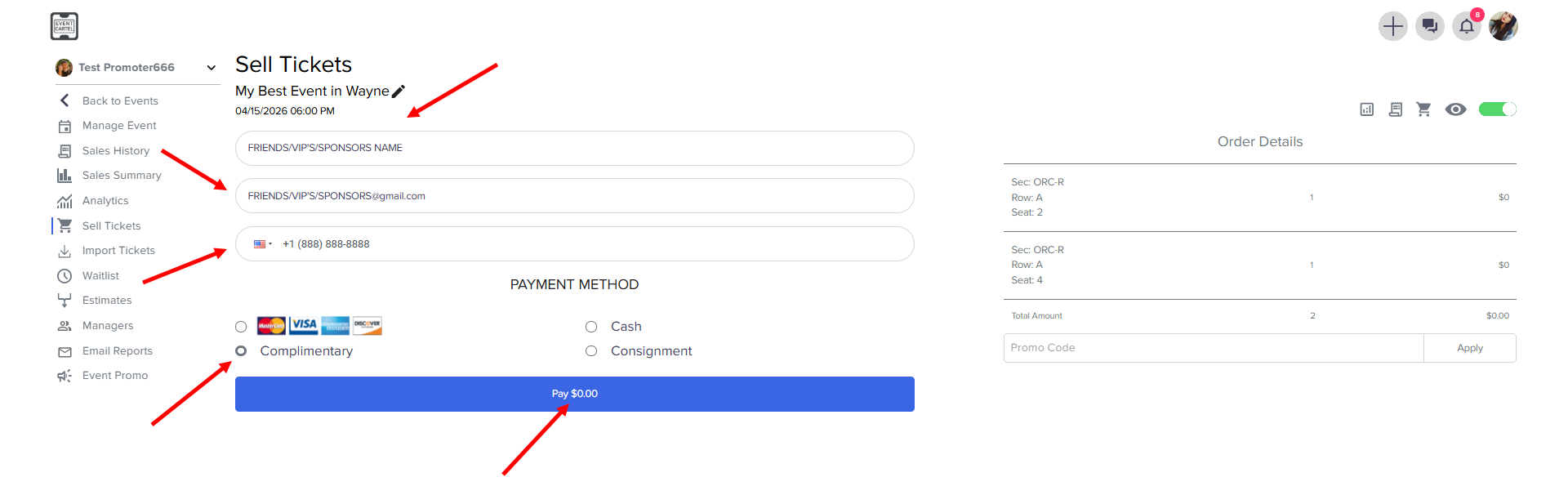
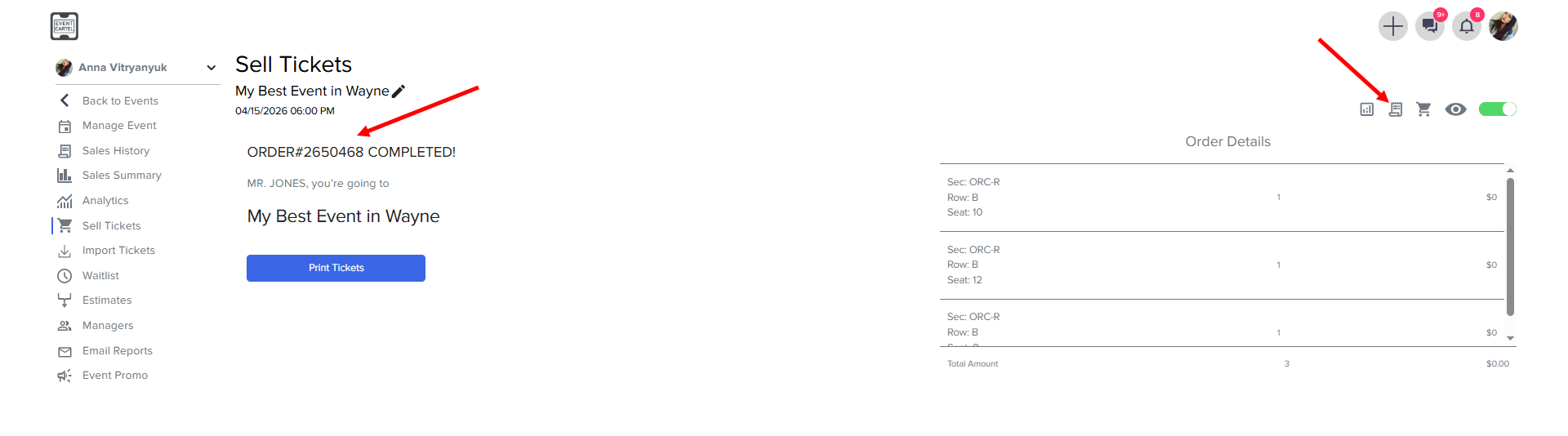
The order is Complete! Tickets will be sent to the specified email address automatically.
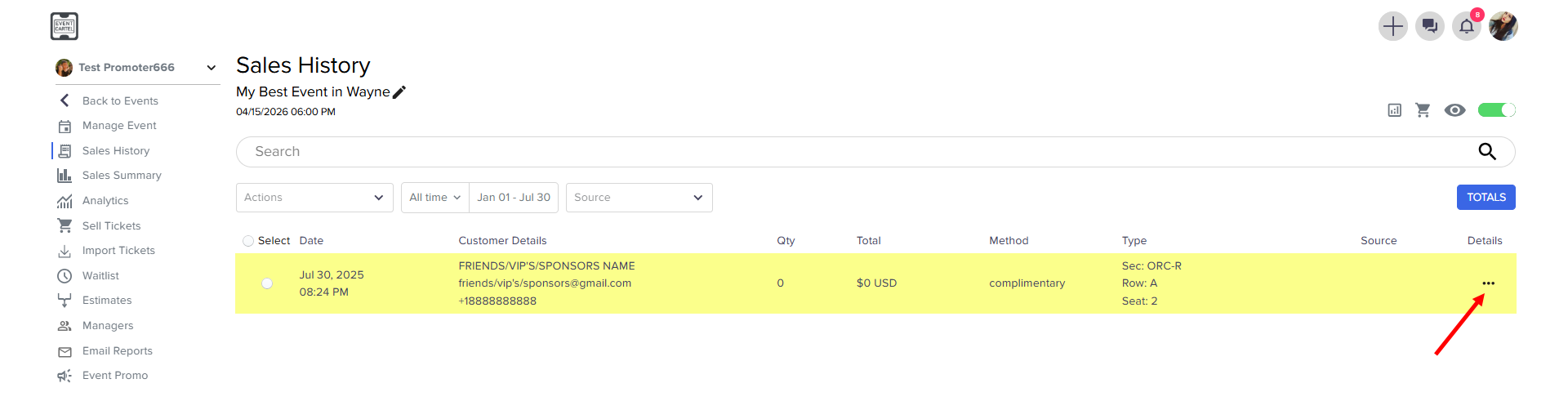
- To send tickets manually, click Sales History
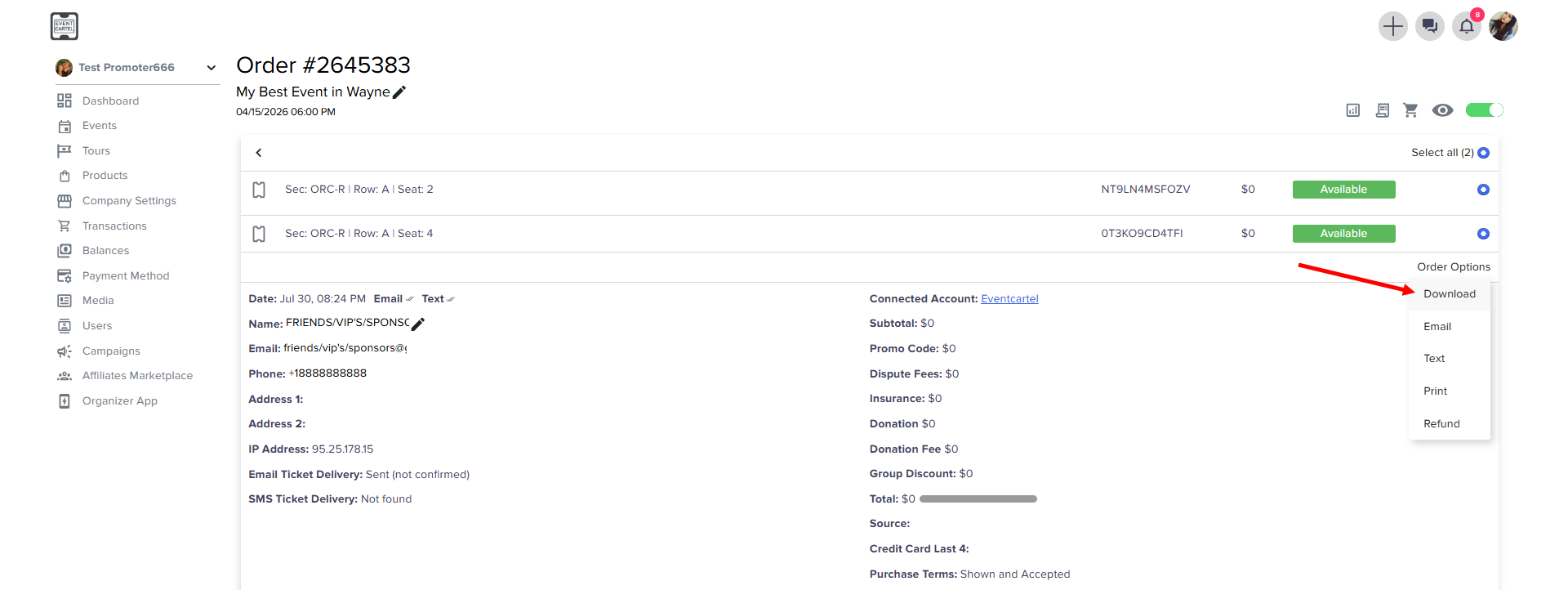
- To enter an order, click Details
- Select the tickets → click Order Options → click Email
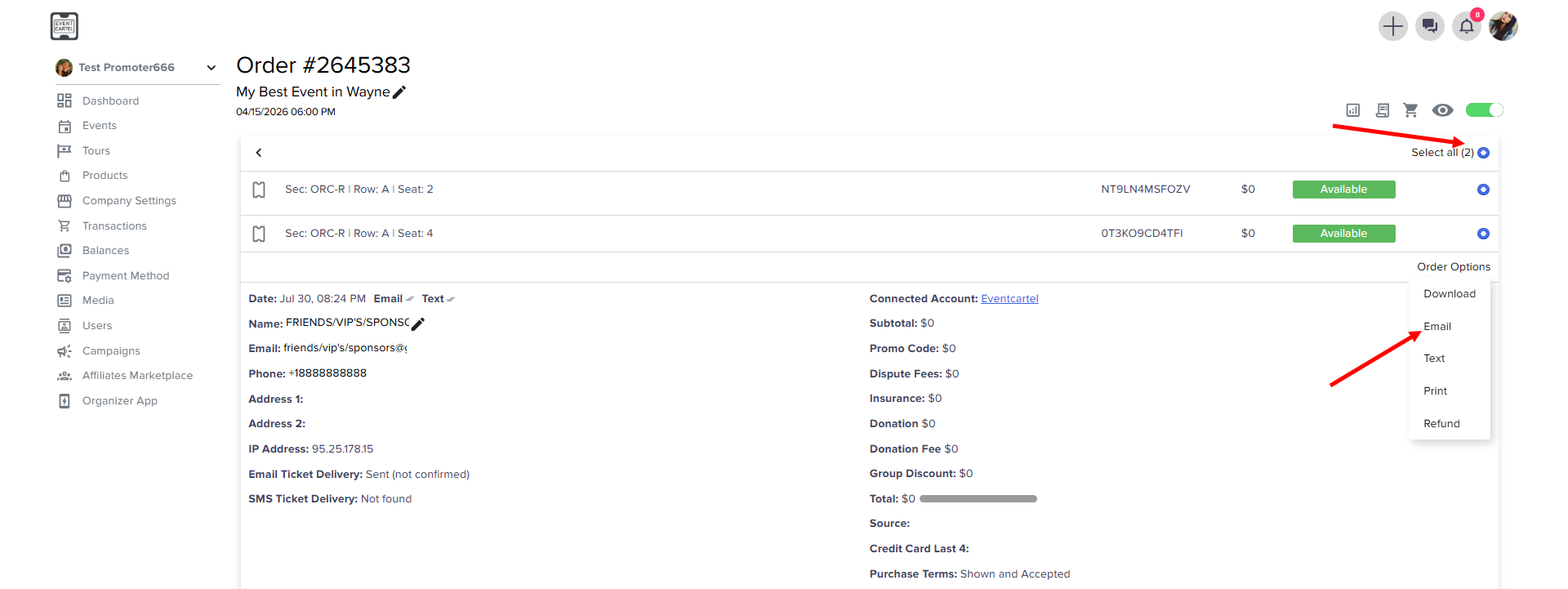
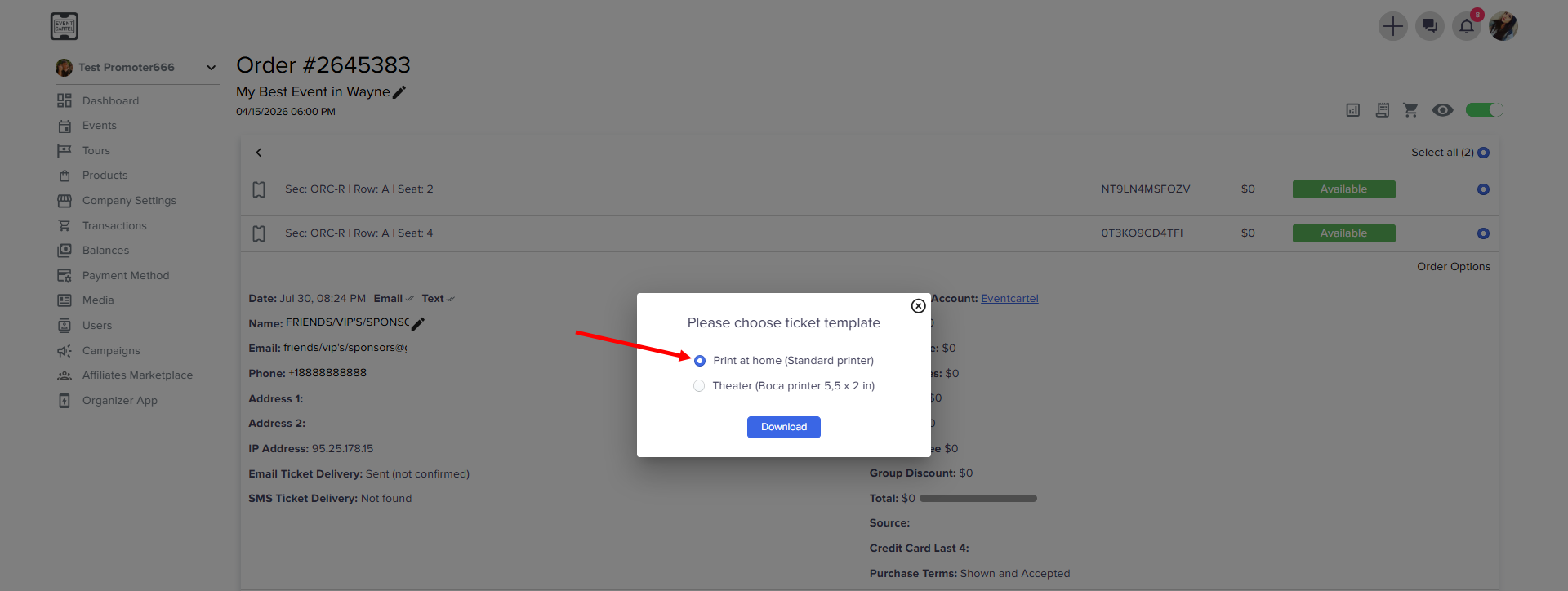
- You can also download tickets here if you need to send them manually
- click Print at home (Standart printer)