How to Create a Private or Password-Protected Event
Jul 28, 2026Updated1 min read00
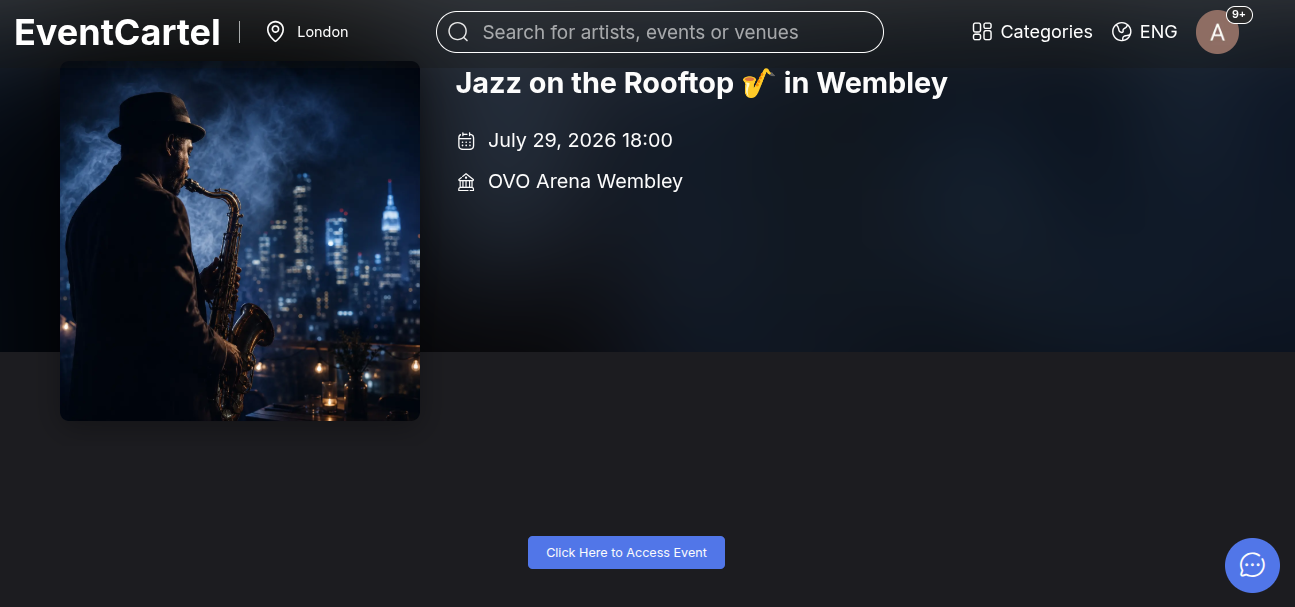
When creating an event, you can hide it from public access or additionally protect it with a password. The page will not appear on the EventCartel website or in search results and can only be accessed through a direct link from the organizer.
How to create a private event:
- Log in to your EventCartel account;
- Go to "Business Manager";
- Click "Add Event" and start creating your event;
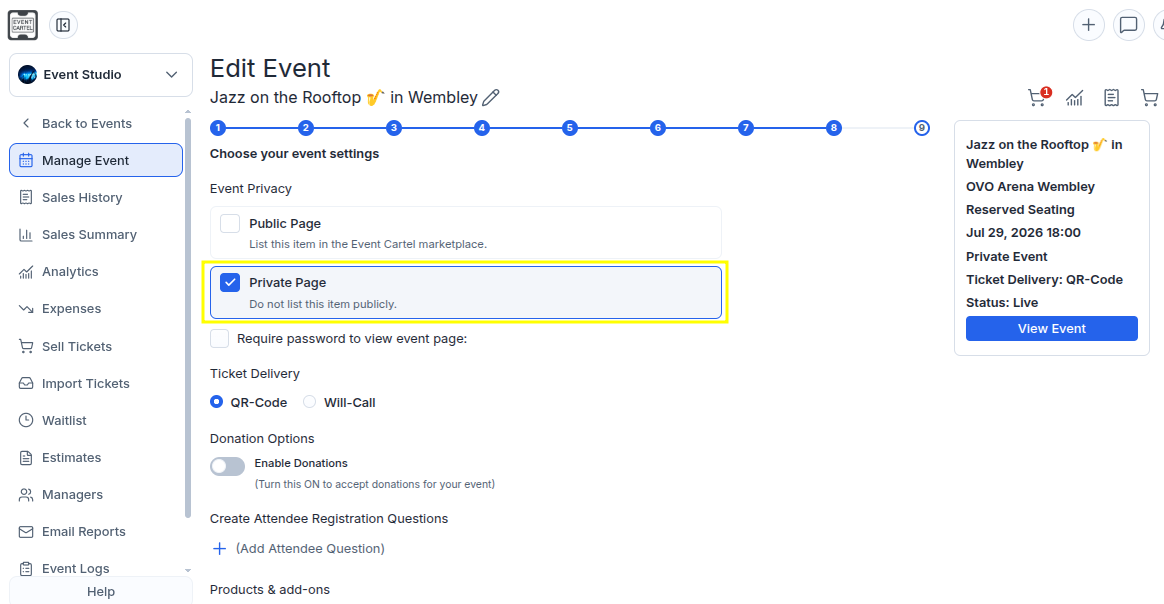
- On Step 8, select "Private Page" in the "Event Privacy" section;
- Click "Save Changes".
You can make the event public at any time by switching it to "Public Page".
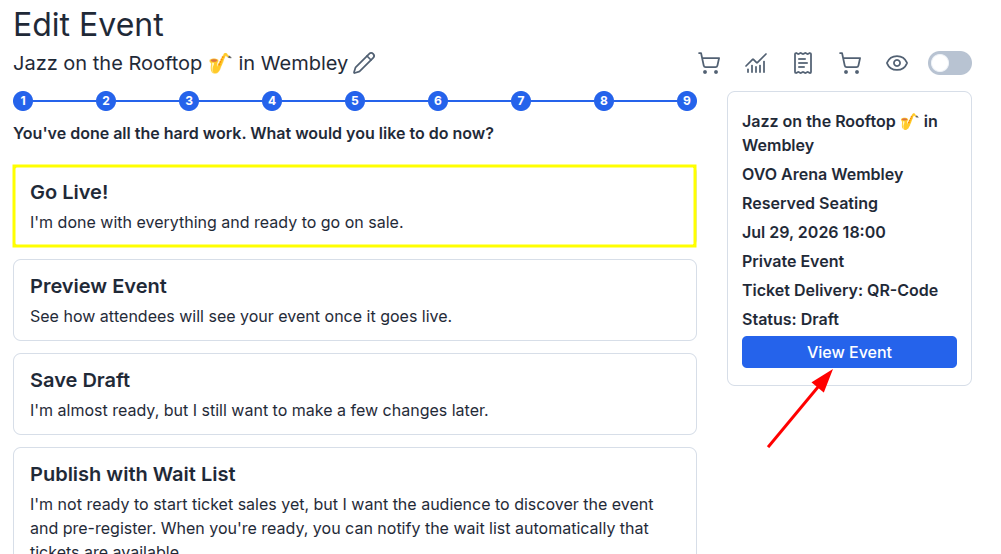
- On Step 9, click "Go Live!" to complete the event creation process;
- Click "View Event" to open the event page;
- Copy the page link and send it to the intended users.
How to create a password-protected event:
- On Step 8, select "Private Page";
- Check "Require password to view event page";
- Enter a password in the field that appears;
- Click "Save Changes".
Please note: users must enter the password exactly as you specified it. For example, PRIVATE, Private, and private are considered different passwords.