Creating a Promoter
Sep 9, 2026Updated00
- Log in to your Event Cartel account;
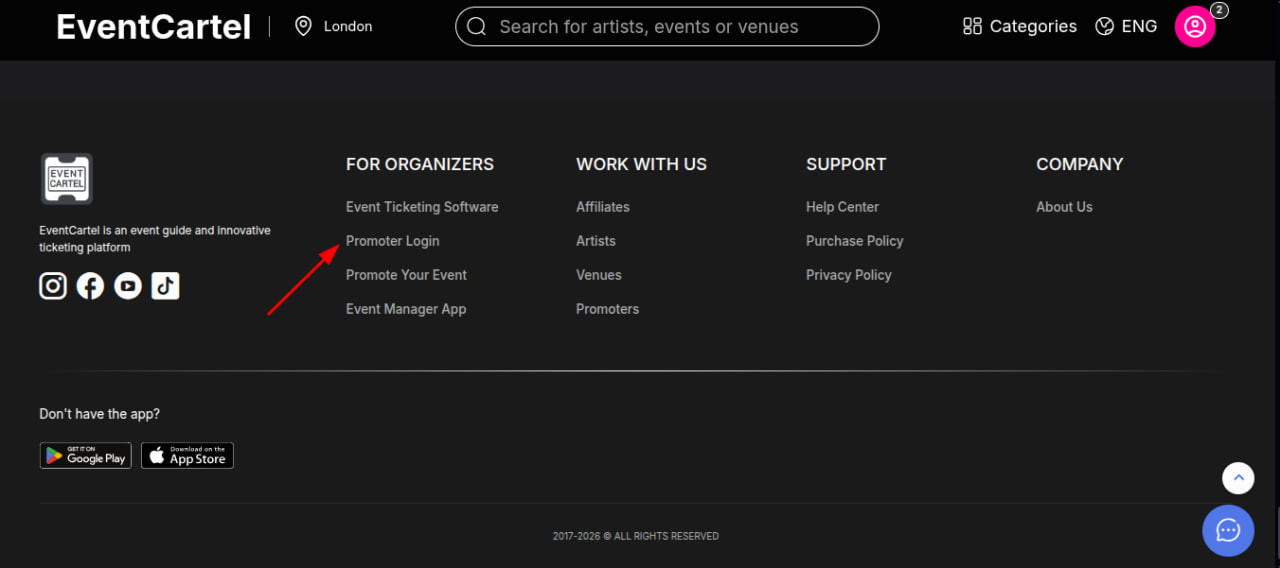
- Go to the Event Cartel and scroll all the way to the bottom;
- Click Promoter Login.
- Go to the Event Cartel and scroll all the way to the bottom;
- Click Promoter Login.
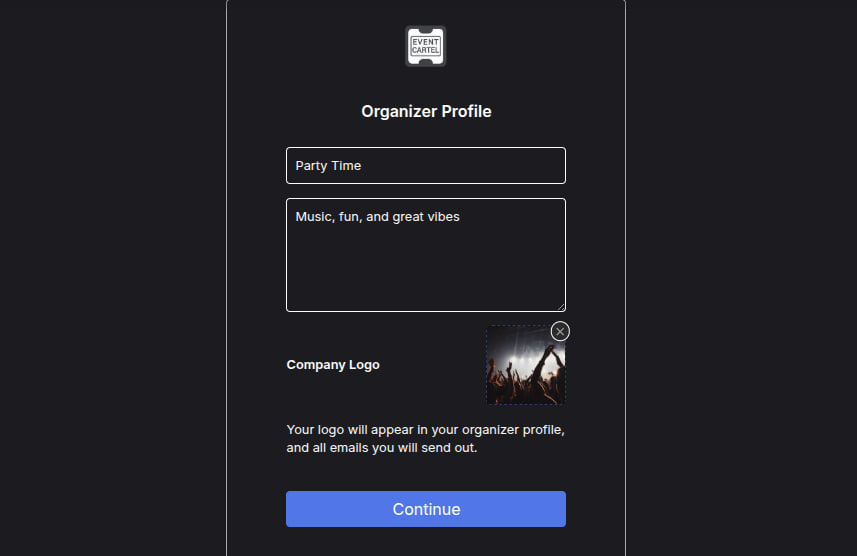
- Enter the company name, description, and upload the company logo, then click "Continue".
- Click the arrow next to the current company and select "Add New Company".
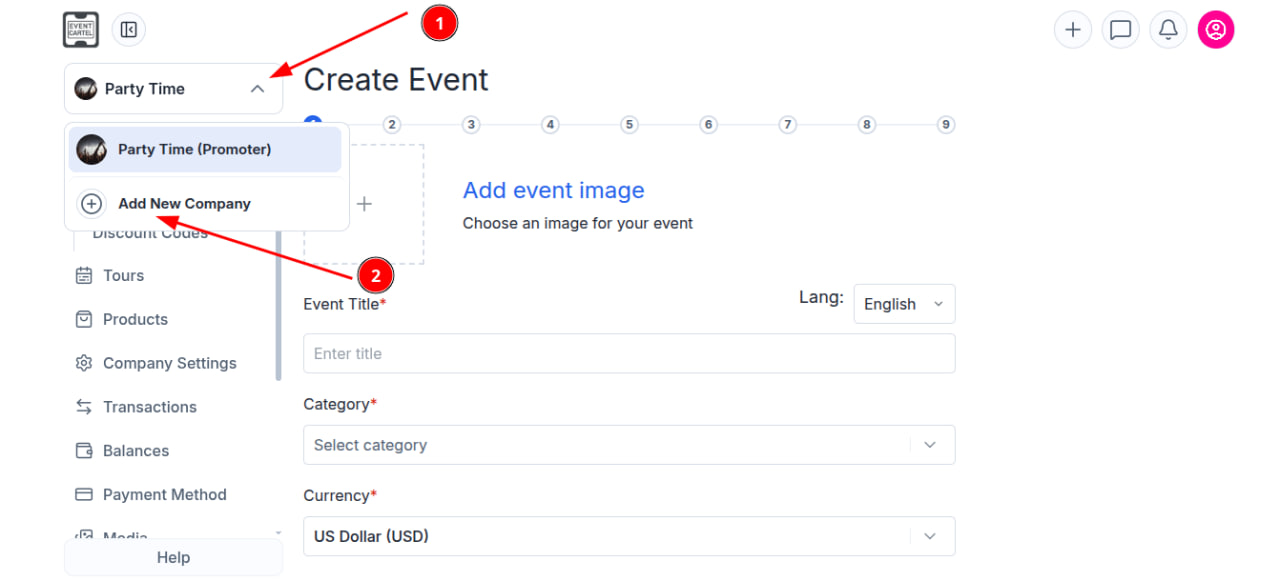
- Done, now you can proceed to creating an event!